Introduction to Management
The "Management" section on your Cloud VPS server page provides the essential tools for controlling and maintaining the server. Here you can manage power, enable rescue mode, and reset the access password.
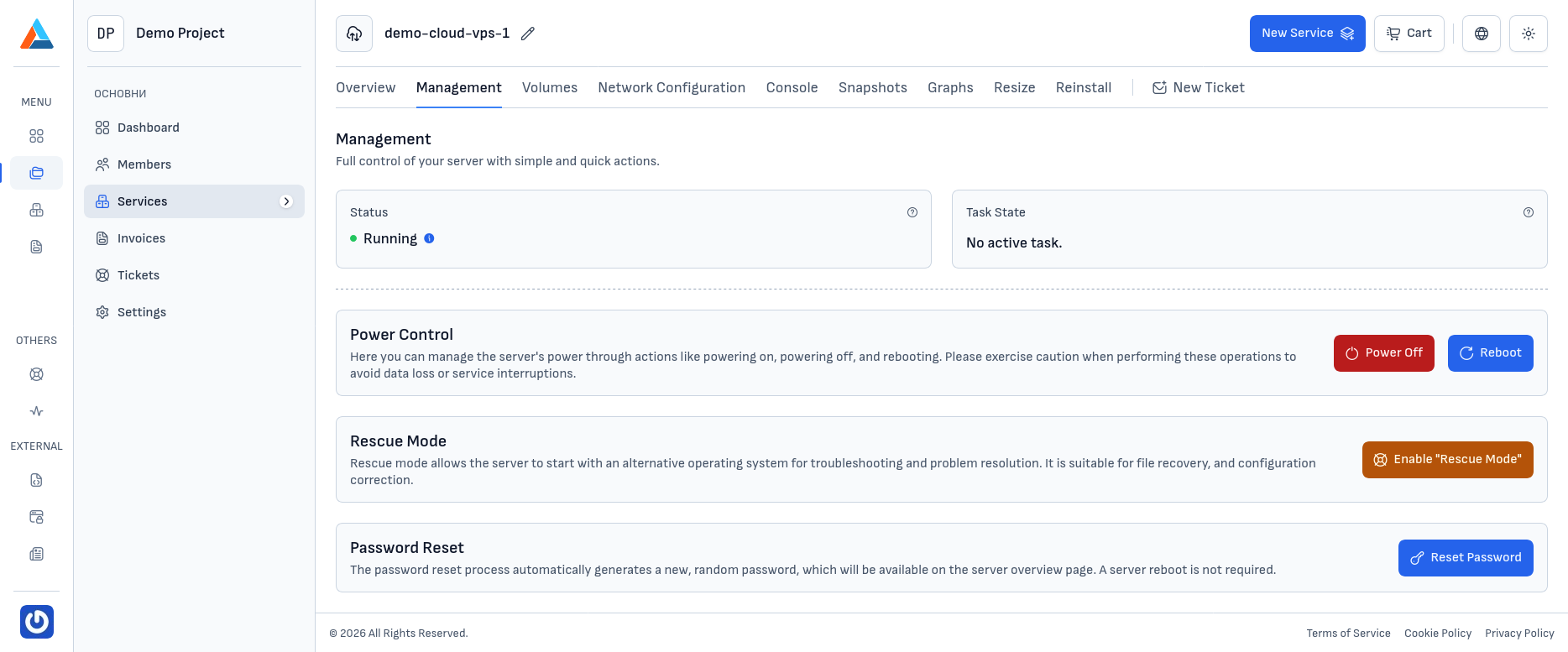
At the top of the section, the current server state is displayed:
- Status — the current state of the server (Running, Stopped, etc.)
- Task State — information about any currently running task, if applicable
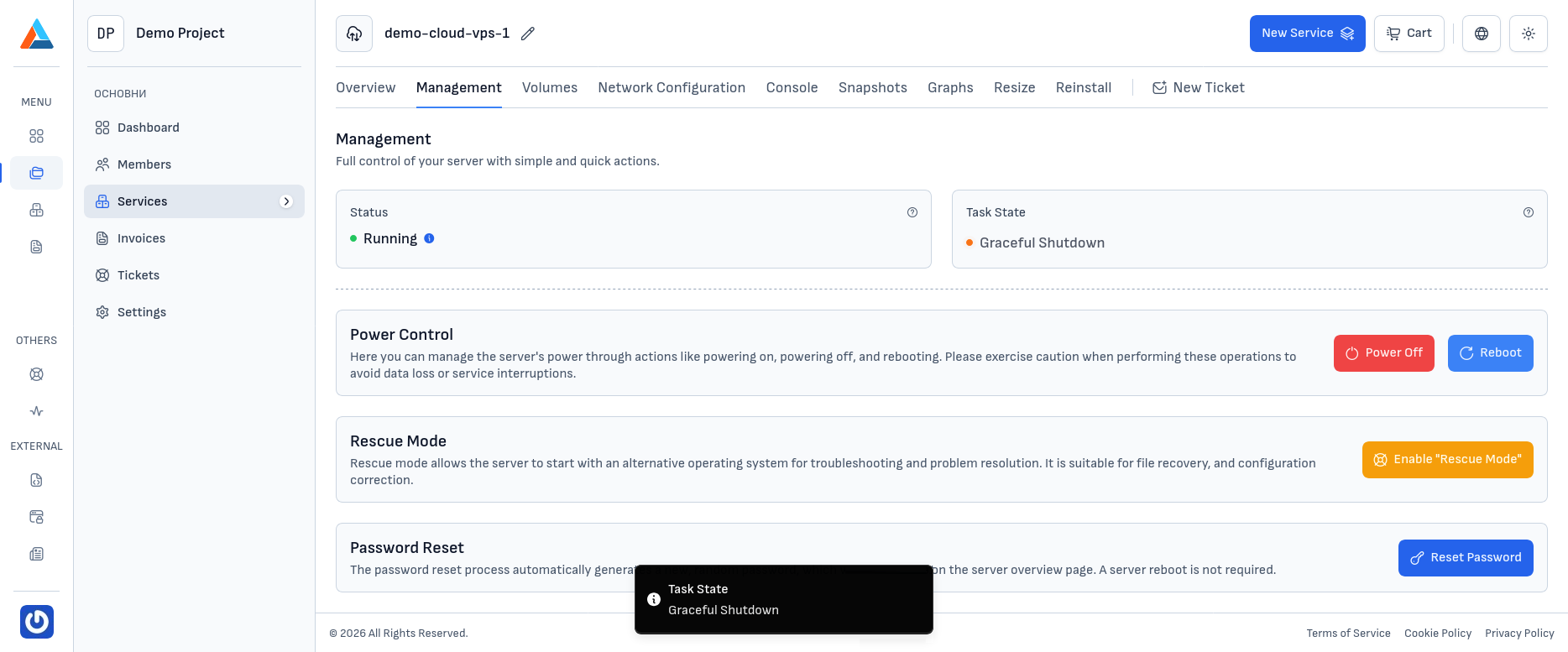
When a task is being executed (e.g., starting, stopping, or rebooting), you'll see an indicator with details about it. While the task is in progress, some actions may be temporarily unavailable.
Available Actions
The section offers three main groups of actions:
- Power Control — start, stop, and force-reboot the server
- Rescue Mode — boot the server into a rescue environment for diagnostics and repairs
- Password Reset — generate a new access password for the server