Password Reset
If you've forgotten the access password for your server or want to change it for any reason, you can generate a new password from the "Password Reset" section under "Management" on the service page.
Resetting the Password
-
Navigate to the Section
Go to the "Management" section on the service page.
-
Click the Reset Button
In the "Password Reset" section, click the "Reset Password" button to open the confirmation dialog.
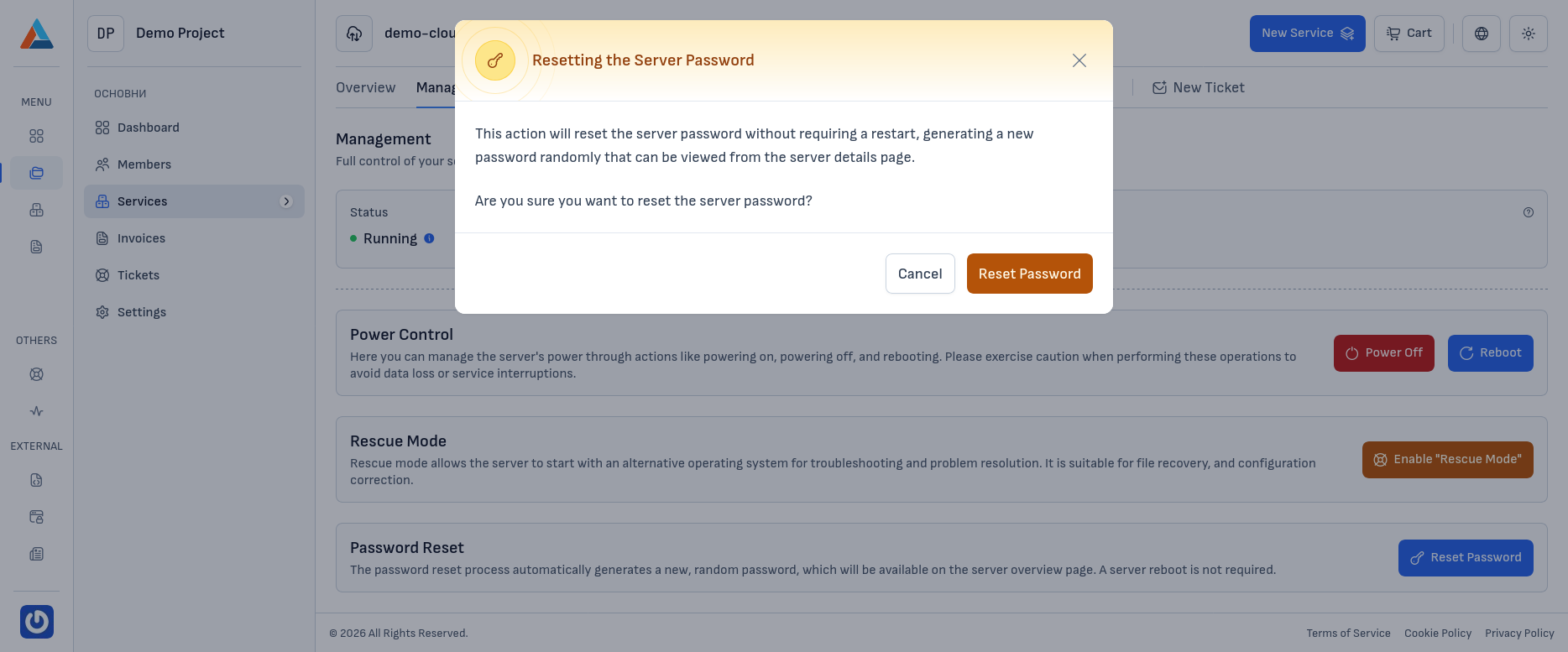
-
Confirm
Click the "Reset Password" button to confirm the action.
Warning
This action will reset the server password without requiring a reboot. The new password will be automatically generated by the system and can be found on the server's general information page. The new password will remain valid until it is changed by the user or another reset is performed.