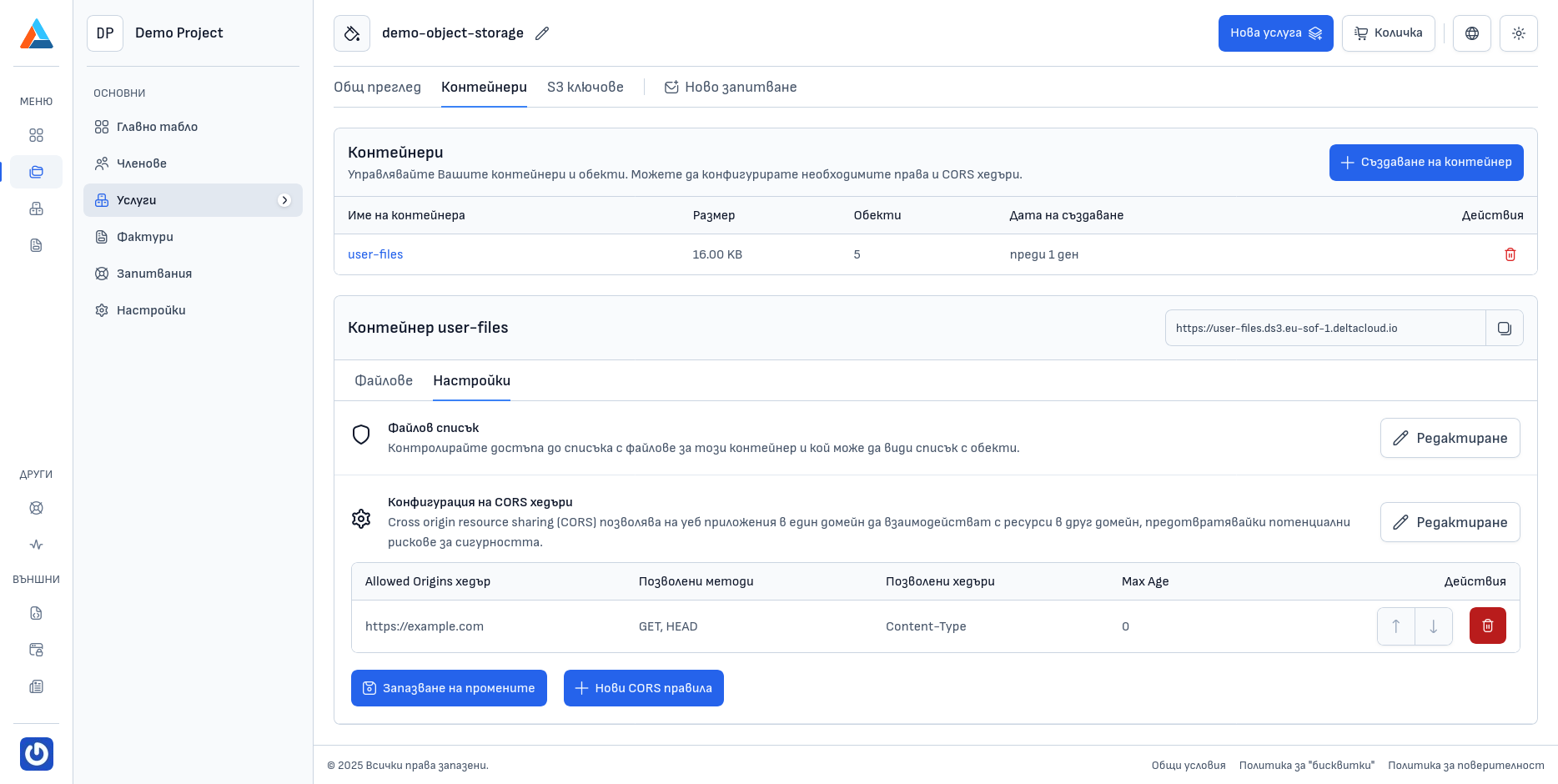
Managing Buckets
Viewing Buckets
In the bucket list, you can see the following information for each bucket:
- Bucket Name - the unique identifier
- Size - the total size of all objects in the bucket
- Objects - the number of files and folders in the bucket
- Creation Date - when the bucket was created
- Actions - options for managing the bucket
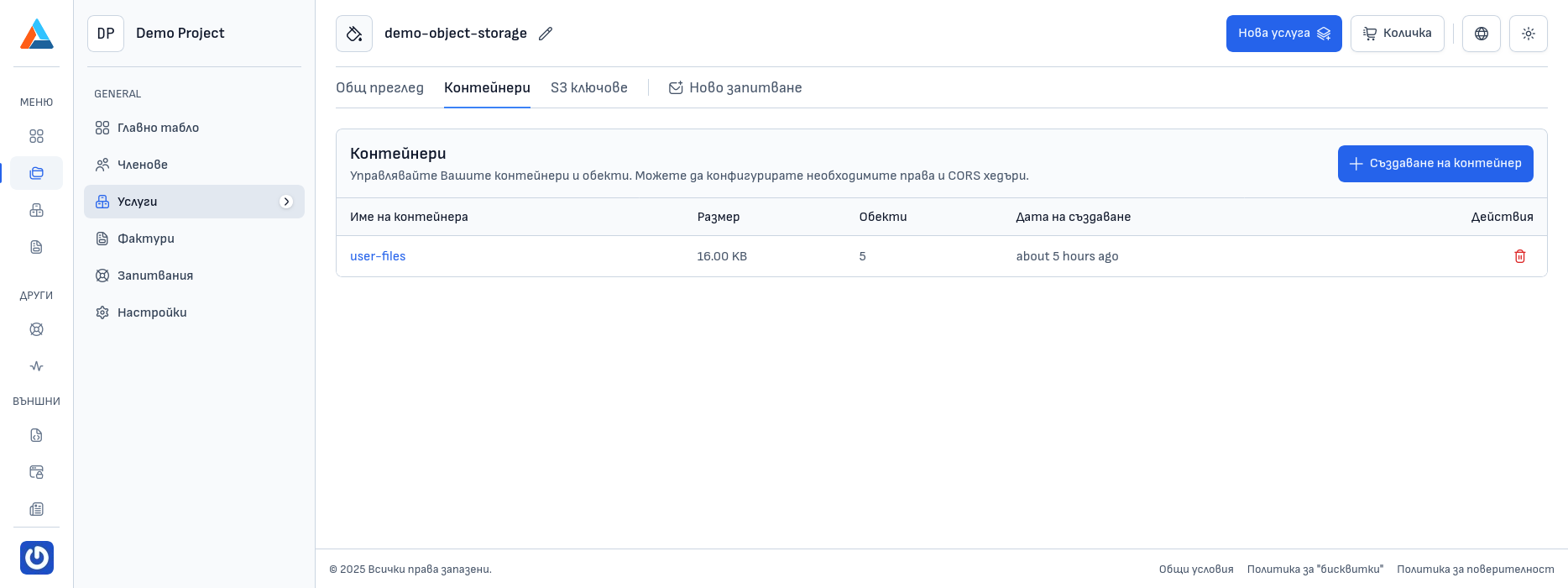
Creating a Bucket
To create a new bucket, follow these steps:
Navigating to the Section
Navigate to the "Buckets" section on the service page.
Opening the Creation Dialog
Click the "Create Bucket" button to open a dialog for creating a new bucket.
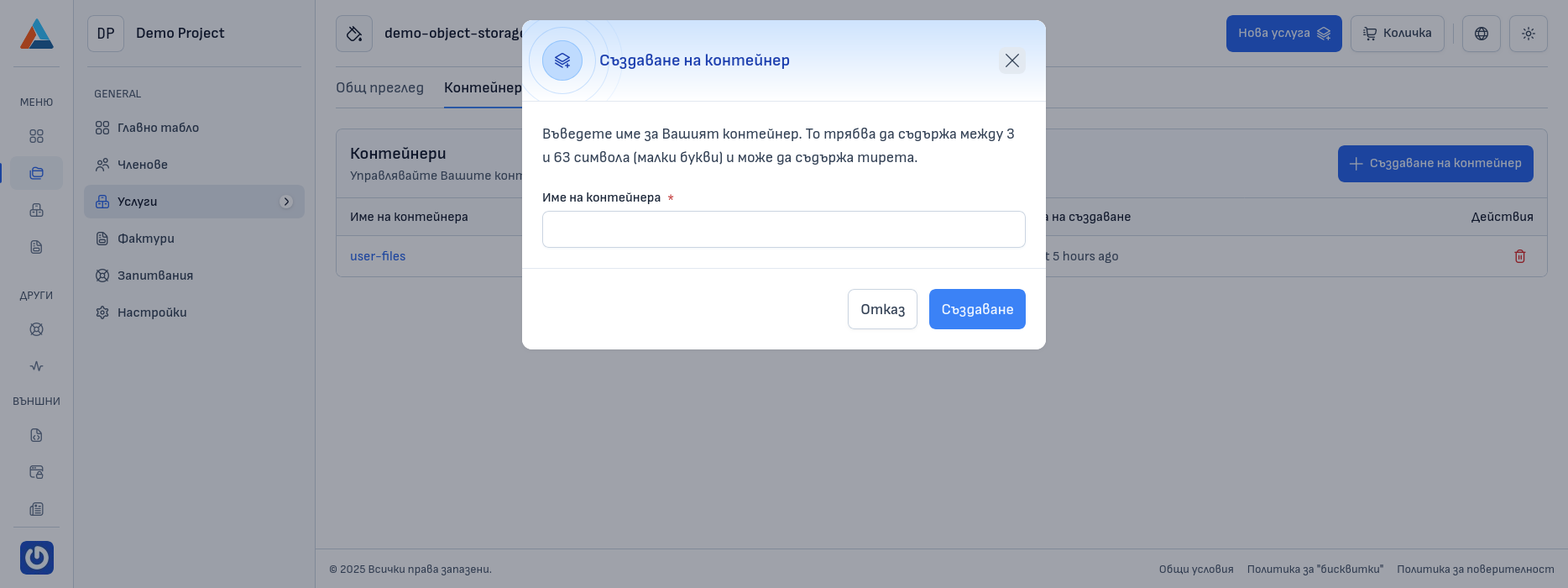
Entering a Name
Enter a unique name for the bucket.
Bucket Name Requirements
The bucket name must be unique and meet the following requirements:
- May contain only lowercase letters, numbers, and hyphens;
- Must start and end with a letter or number;
- The length must be between 3 and 63 characters.
Confirmation
Click the "Create" button to create the new bucket.
Bucket Settings
In the "Settings" section of a bucket, you can configure:
File List
Manage who has access to the file list (objects) in this bucket by determining whether the list should be private or public according to the needs of your application.
- Private List - the file list can only be seen by users who connect using access keys;
- Public List - anyone with a link to the bucket can see the list of files in it.
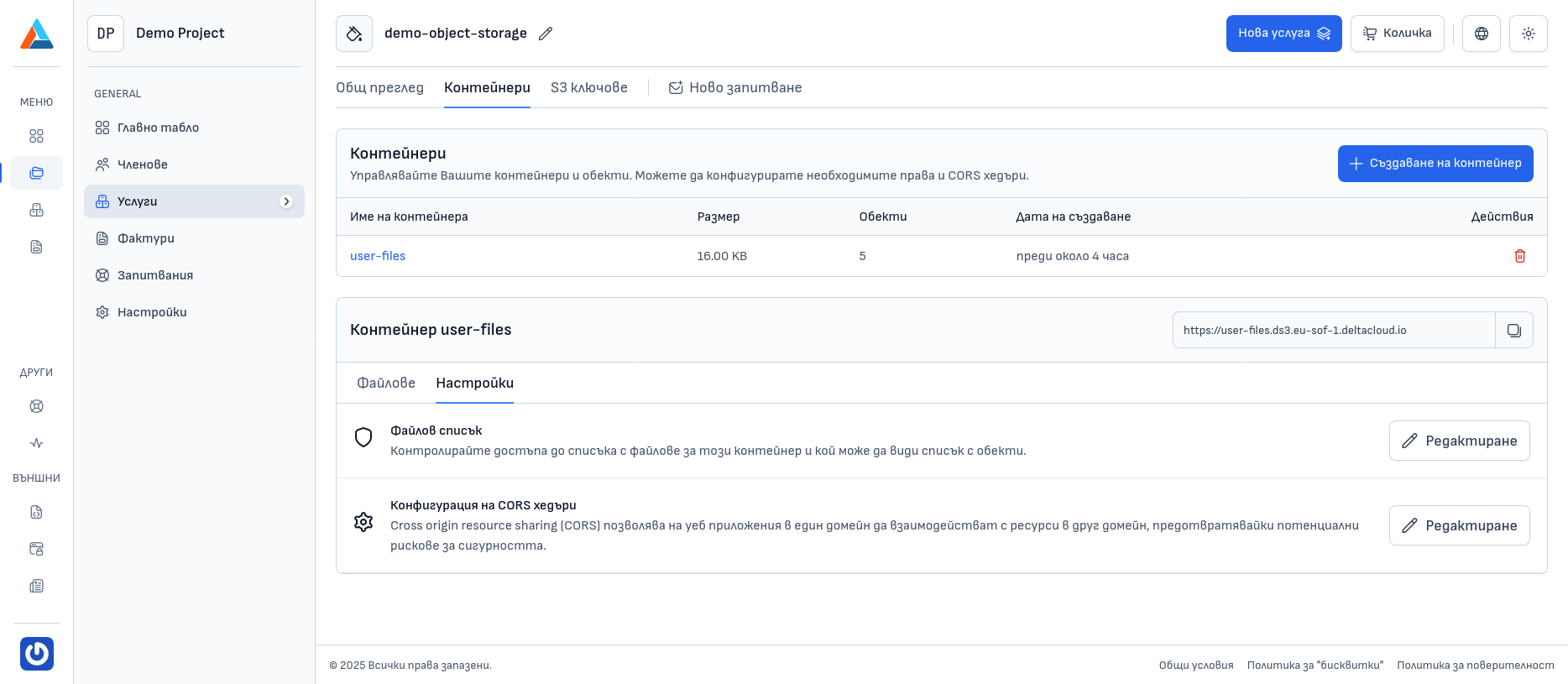
CORS Headers Configuration
Cross Origin Resource Sharing (CORS) allows web applications on one domain to interact with resources on another domain, preventing potential security risks.