Network
The "Network" section provides an overview of the network configuration of your Bare Metal server — IP addresses and the physical network interfaces installed in the machine. The information here is read-only — the actual network configuration at the operating system level (IP addresses, routing, firewall) is done directly on the server.
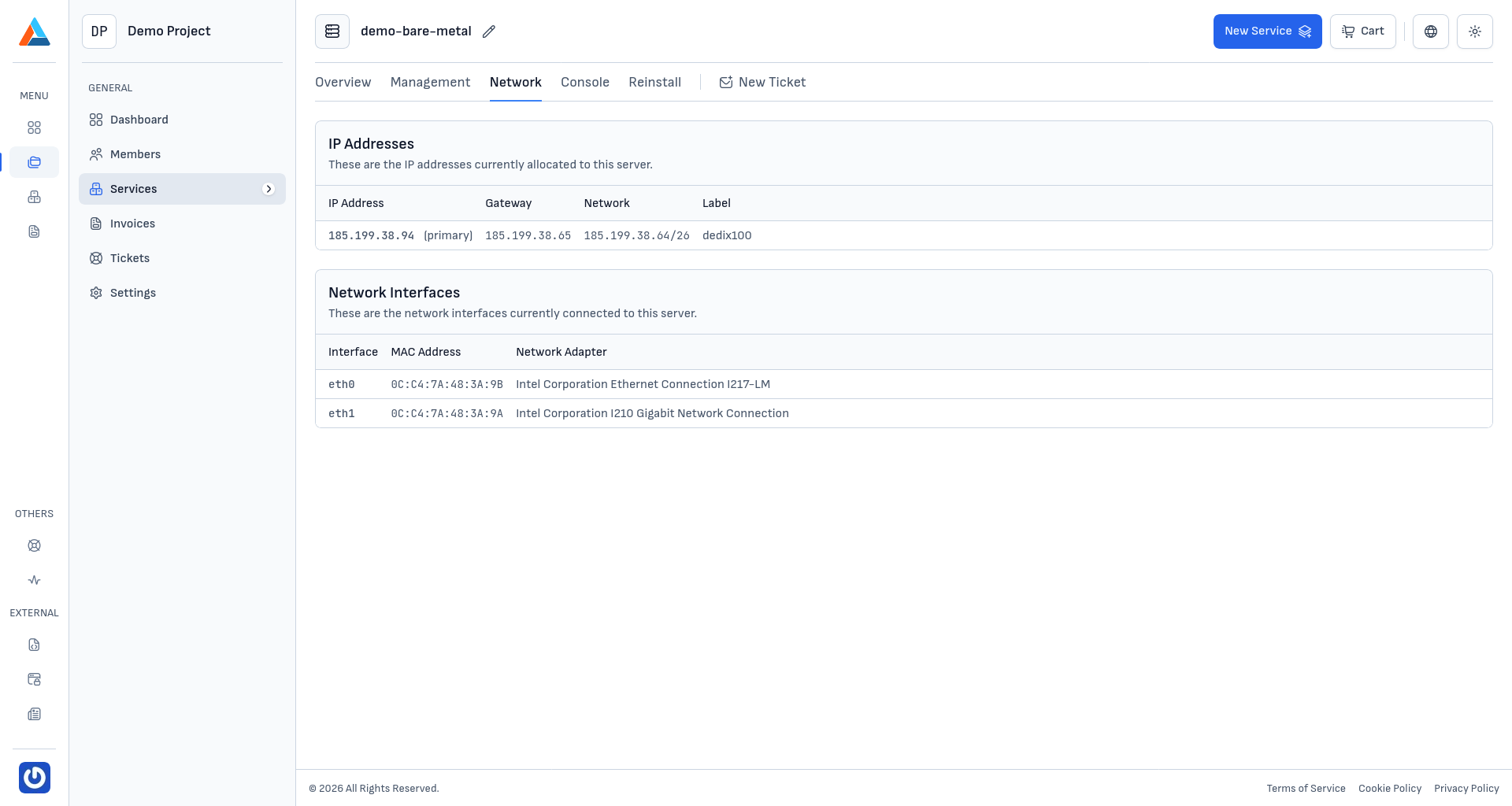
IP Addresses
In the "IP Addresses" section, the public IPv4 addresses assigned to your server are listed. For each address, the following is displayed:
- IP Address — the IPv4 address itself. The primary address is marked as such.
- Gateway — the IP address of the network gateway
- Network — the network range (in CIDR notation) to which the IP address belongs
- Label — an internal network label in the platform
Note
Additional IP addresses can be ordered by opening a support ticket from the client area.
Network Interfaces
In the "Network Interfaces" section, the physical network cards installed in the server are listed. For each interface, the following is displayed:
- Interface — the name of the interface in the operating system (e.g.,
eth0,eth1) - MAC Address — the unique physical address of the network card
- Network Adapter — the model of the network adapter (e.g., Intel Corporation Ethernet Connection I217-LM)
Tip
Information about MAC addresses is particularly useful when setting up virtualization platforms (Proxmox, VMware, KVM), where network bridges need to be bound to specific physical interfaces. It can also be necessary when configuring static DHCP entries or when diagnosing network issues.
Configuring the Server's Network
Unlike the Cloud VPS service, the network configuration of a Bare Metal server is managed directly at the operating system level:
- Linux — edit the configuration files in
/etc/network/interfaces(Debian/Ubuntu) or/etc/sysconfig/network-scripts/(RHEL/CentOS/Rocky), or useNetworkManager/netplan - Windows — configure the network adapters through the Control Panel or PowerShell
Warning
Be careful when making network configuration changes, especially remotely. Incorrect settings can lead to loss of SSH/RDP access to the server. In such cases, use the built-in web console to restore the configuration.