Console
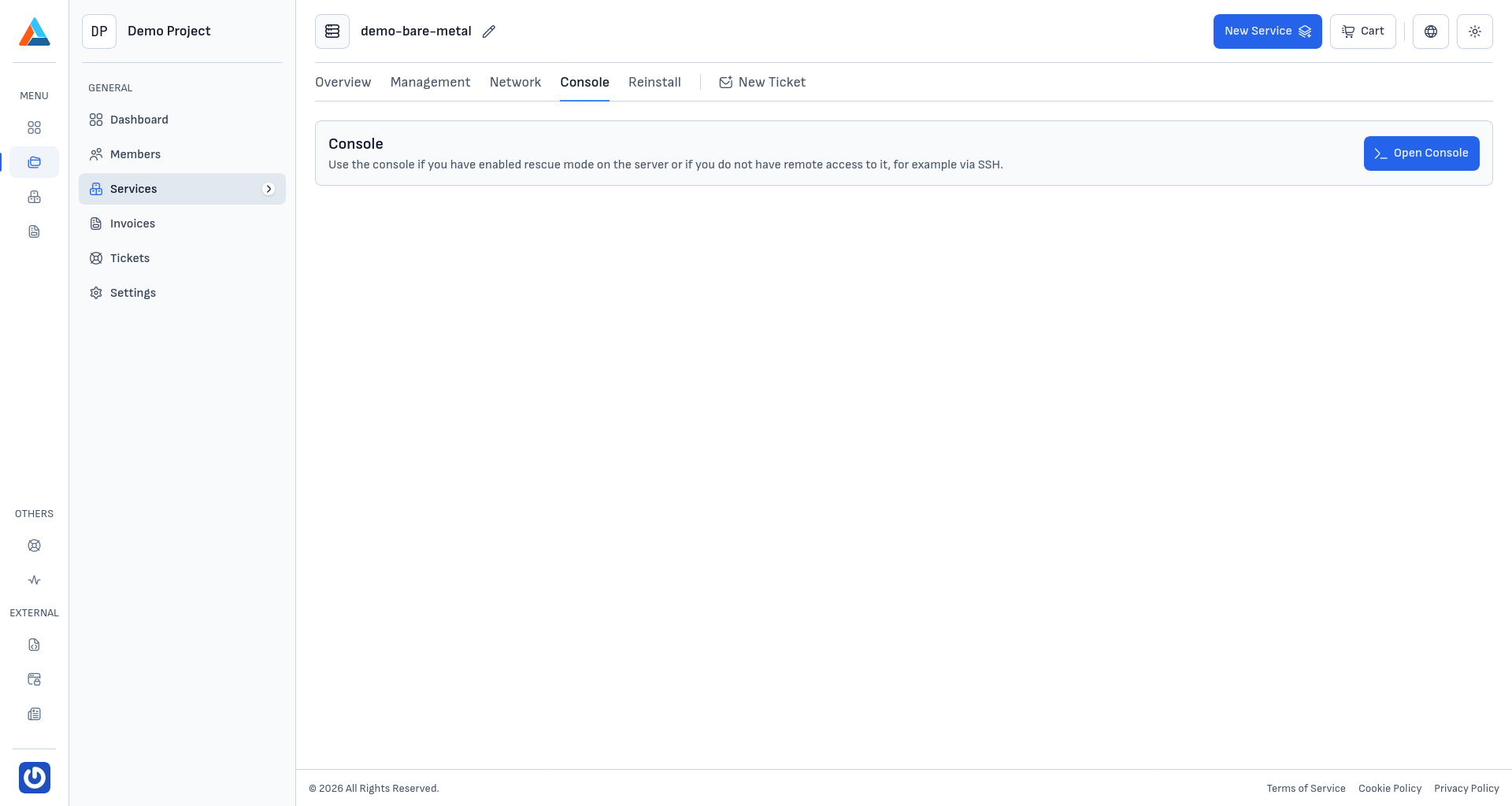
The "Console" section provides a built-in web console that gives you direct access to your Bare Metal server from the browser, without needing an SSH client or separate KVM-over-IP. The console is useful in situations where:
- You don't have access to an SSH client
- The server's network configuration doesn't allow SSH connections
- The server is in rescue mode and you need command-line access
- You want to quickly check the server's status
- You want to observe the server's boot process
Using the Console
-
Navigate to the Section
Go to the "Console" section on the service page.
-
Open the Console
Click the "Open Console" button to launch the web console in a new window.
-
Log In
Manually enter your username and password to log in to the server's operating system. Use the credentials shown in the "Overview" section of the service — typically
rootfor Linux orAdministratorfor Windows.Note
The web console does not support pasting commands or content from the clipboard, so you'll need to type them manually. For extended work, we recommend SSH/RDP access; reserve the console for diagnostic and recovery tasks.
Advantages of the Web Console on Bare Metal
- Remote access from the browser — no need to install an SSH client or KVM-over-IP software
- Independent of OS network configuration — even if you've lost network access, the console continues to work
- Access during boot — you can observe the boot process, GRUB menu, and system messages when there are boot issues
- Working in rescue mode — ideal for managing the server while it is in rescue mode