Overview
Projects in the customer area are workspaces where you group your services (servers, disks, backups, etc.), the invoices for them, the support tickets about them, and the members who have access. One account can own several projects and also participate in projects owned by other customers.
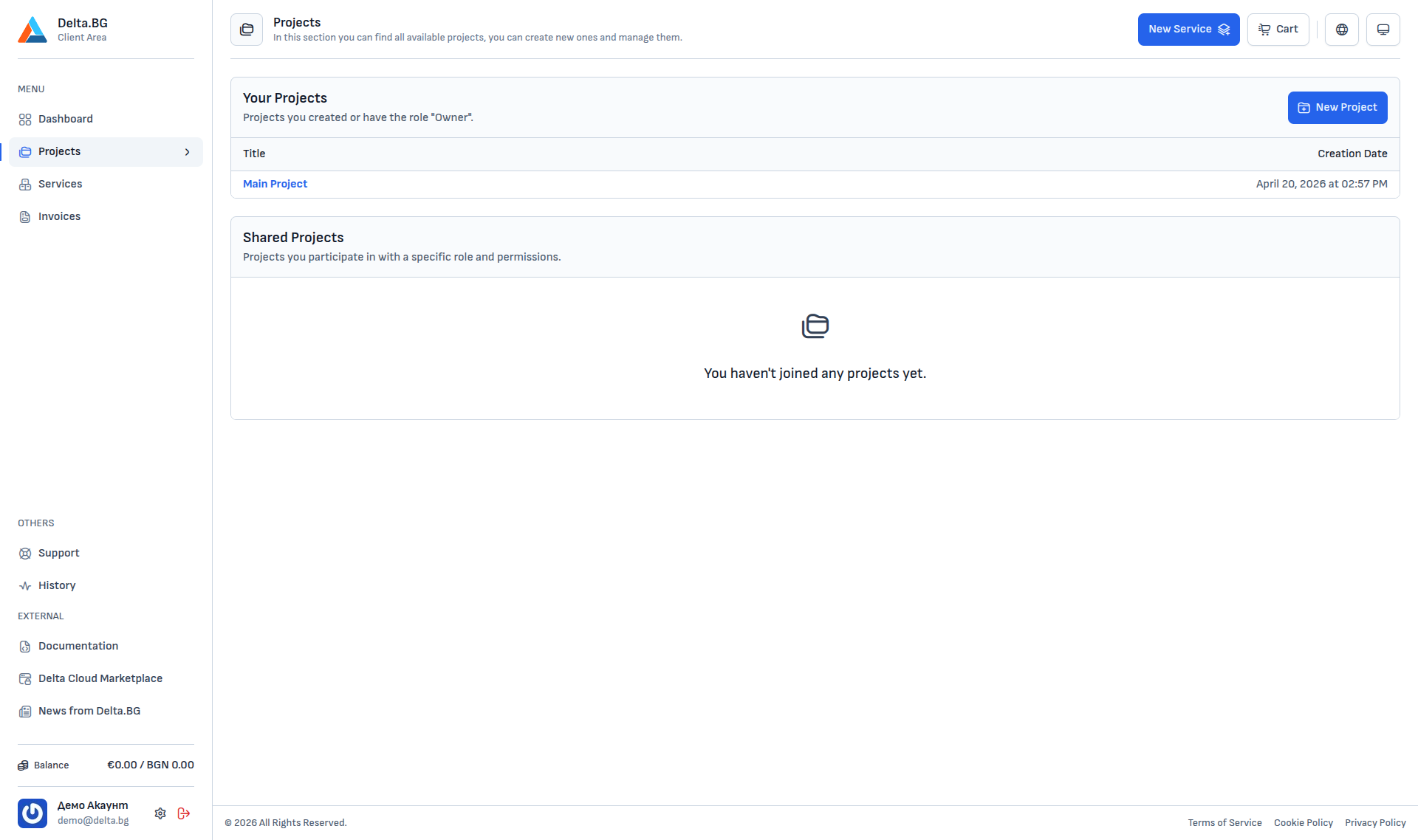
The Projects page (Menu → Projects) splits projects into three tables:
| Table | Description |
|---|---|
| Your Projects | Projects you created — you are the Team Owner with full rights. |
| Shared Projects | Projects you have been invited to by the owner and whose invitations you have accepted. Your role and rights depend on what the inviter chose. |
| Project Invitations | Invitations that have arrived but have not been accepted or declined yet — they appear after a fresh sign-in or whenever the owner resends them. |
Creating a new project
The "+ New Project" button in the top-right corner opens a short form with the project name. After saving, you automatically become the Team Owner and land on the project dashboard.
Your first project is created automatically when you register the account.
Project invitations
When the owner of another project invites you, the invitation appears in two places:
- As an email at your registered address with a direct accept link.
- In the Project Invitations table on
Menu → Projects:
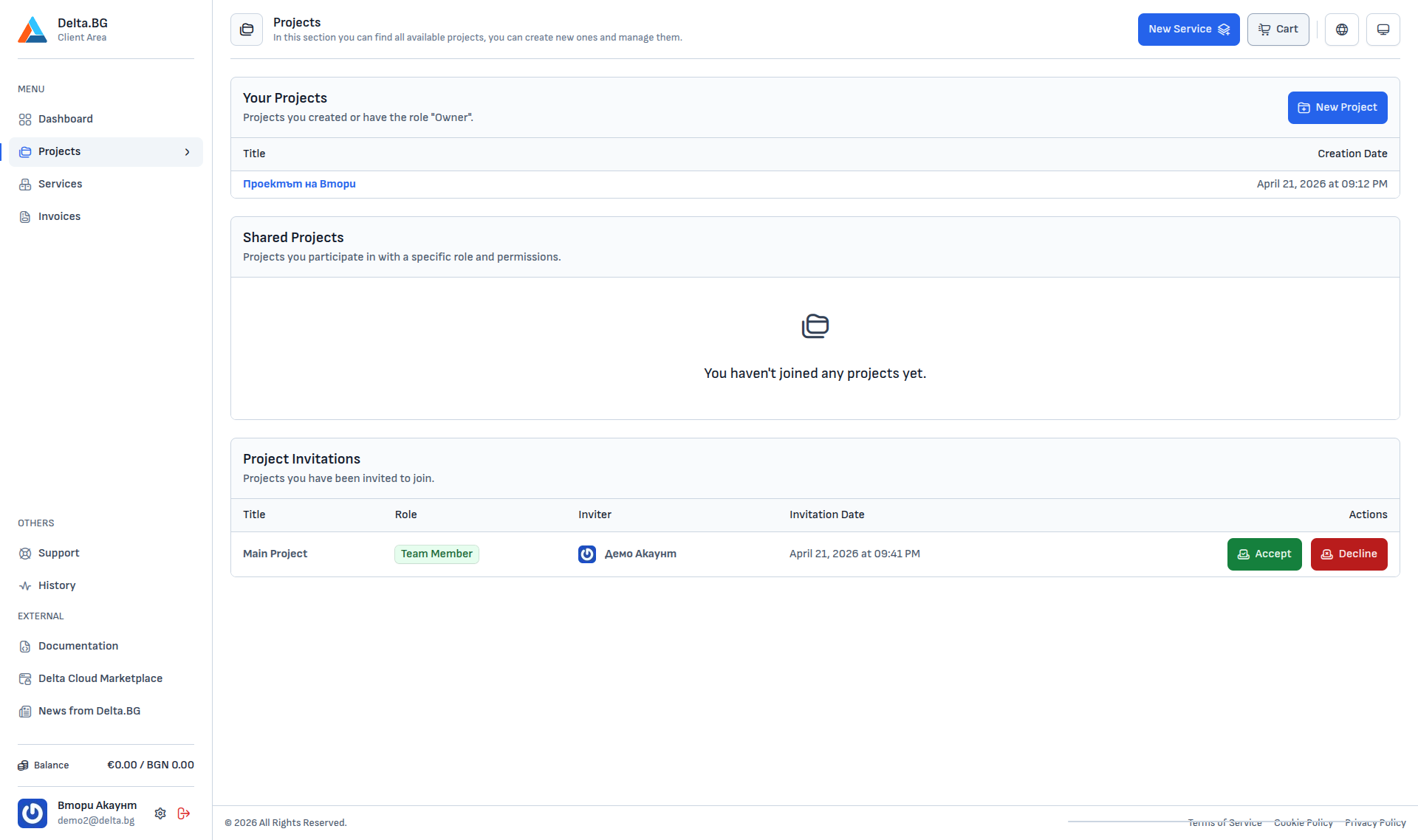
Each row shows the project title, the role you will receive, the inviter, the invitation date and two buttons:
- Accept — opens a confirmation dialog, after which you join the project.
- Decline — rejects the invitation without joining.
Info
You can also accept straight from the email link — the outcome is the same. The link opens a confirmation page that auto-accepts the invitation on visit.
Once accepted, you see a confirmation:
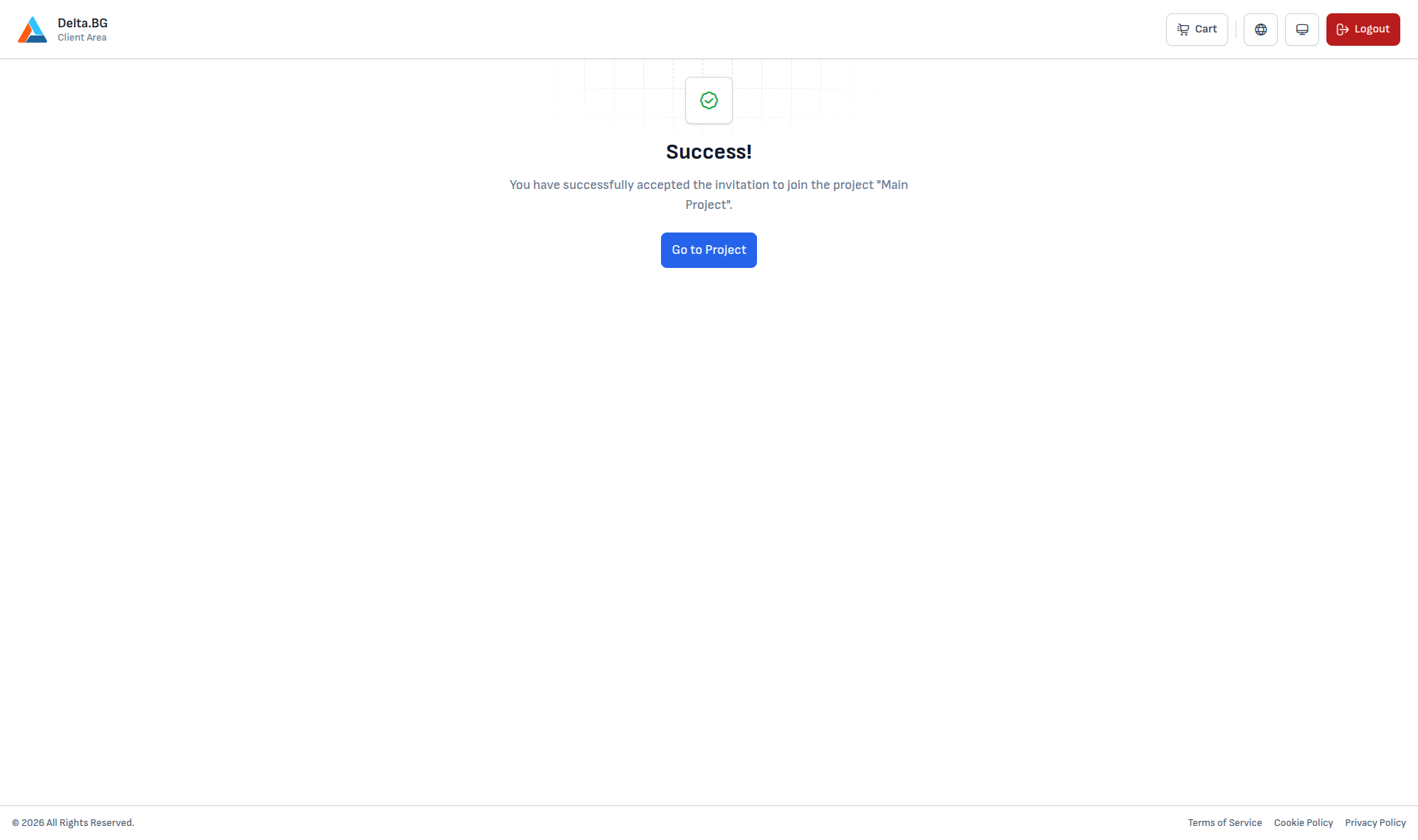
The project then appears under Shared Projects and you get access to its sections according to your role (see Members).
Navigating a project
Clicking a project from the list opens its internal menu with the following sections:
| Section | What it contains |
|---|---|
| Dashboard | Summary — active members, services, unpaid invoices, active tickets. |
| Members | Access management — invitations, roles, pending invites. |
| Services | Every service attached to the project. |
| Invoices | Invoices issued for the services in the project. |
| Tickets | Support requests related to the project. |
| Settings | Default billing account and payment method; editing the name. |
Your role limits which sections are available — for example Team Member and Developer cannot see Settings.