Deleting a device
When you delete a device from Delta Cloud Backup, the device is unregistered from your backup account and will no longer run new backup jobs.
Deletion steps
Open the Devices section
Go to Devices on the service page.
Select the Delete action
In the "Actions" column for the target device, click the delete icon.
Confirm deletion
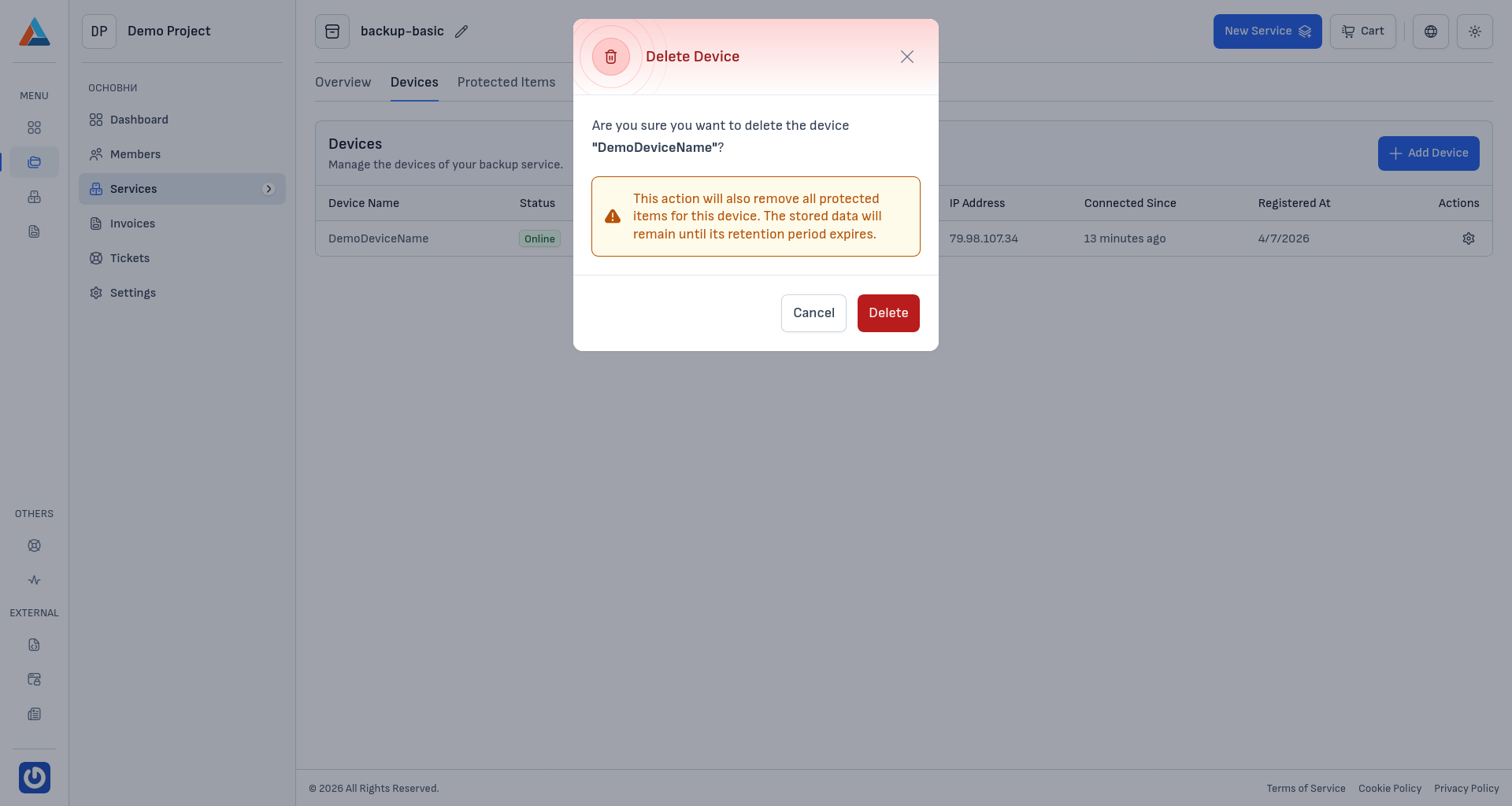
In the confirmation dialog, click "Delete" to proceed, or "Cancel" to stop the operation.
Caution
Deleting a device removes all protected items associated with that device. Archived backup data remains available until the retention period expires.
After deletion
- the device no longer appears in the Devices list
- no new backups are executed from that device
- if needed, you can register the device again via Add Device