General settings
The General settings section (Settings → General Settings) collects the account's regional preferences and the interface theme.
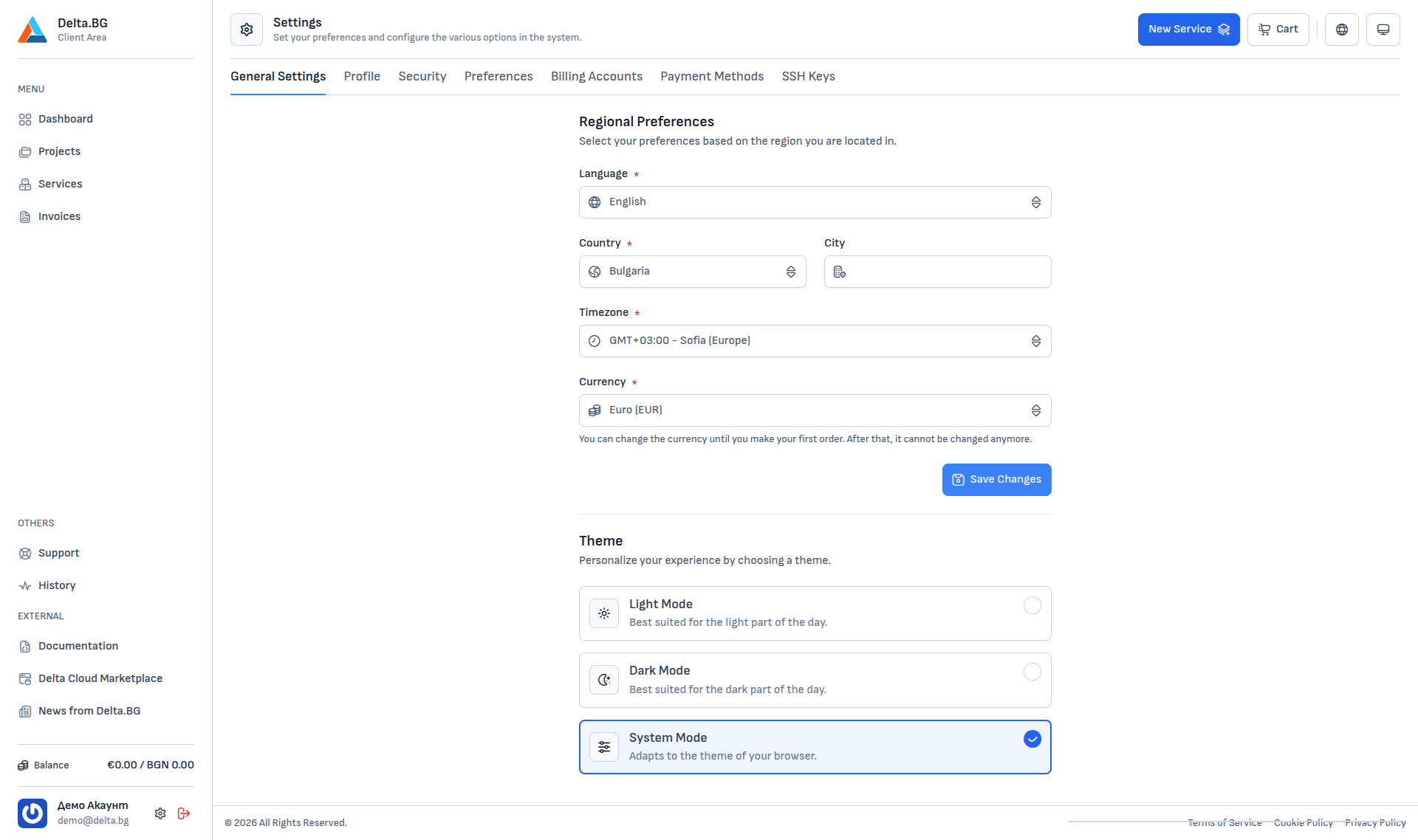
Regional preferences
| Field | Description |
|---|---|
| Language | Interface language. Bulgarian and English are supported. |
| Country | The country you are based in. Used as context for billing and for regional defaults. |
| City | A free-form text field — can be left empty. |
| Timezone | Timezone applied to timestamps across the customer area (invoices, tasks, logs). Default is GMT+03:00 – Sofia (Europe). |
| Currency | Currency used for prices and invoices. Can only be changed until you place your first order — it locks for the account after that. |
After any change press Save Changes to persist it.
Theme
The Theme section at the bottom lets you pick the interface colour scheme:
- Light Mode — optimised for daytime use.
- Dark Mode — optimised for low-light environments.
- System Mode — follows the operating system / browser preference (default).
The choice is saved automatically and applies immediately to every page.