Profile
The Profile section (Settings → Profile) holds your contact details and allows changing the profile picture.
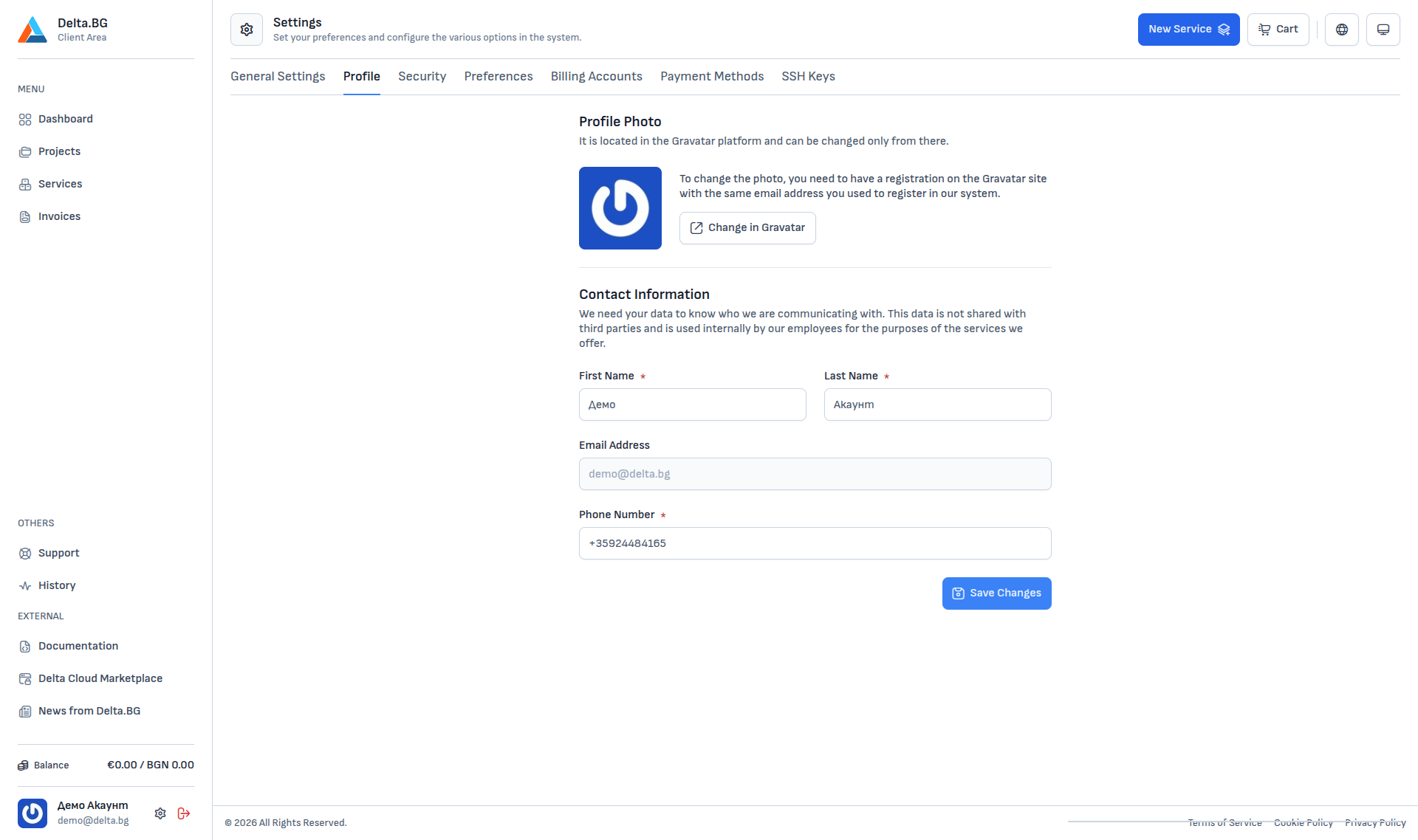
Profile photo
The profile picture is managed through Gravatar — an external service that links a picture to an email address. The Change in Gravatar button opens the Gravatar site in a new tab.
To change the picture:
- Go to gravatar.com and register with the same email you use with Delta.BG.
- Upload the picture you want to use.
- Come back to the customer area — the picture refreshes on the next page load.
Contact information
The fields in the Contact Information section are the personal data attached to the account:
| Field | Description |
|---|---|
| First Name | Required. Used in invoices and communication when you receive invoices as an individual. |
| Last Name | Required. |
| Email Address | The email you registered with. The field is read-only and cannot be changed from here directly. |
| Phone Number | Required. Format with an international prefix (for example +3598...). Used for urgent contact. |
After changes press Save Changes.
Info
This data is never shared with third parties and is used only for internal communication by Delta.BG employees.