Manual backup
Manual backup lets you run an immediate backup job on demand, without waiting for the next scheduled execution.
Prerequisites
Before starting a manual backup, make sure:
- the device is online in Devices
- at least one protected item is configured
- the agent on the device is running properly
Starting a manual backup
Open the Devices section
Go to Devices in your Backup service.
Select a device
Find the device you want to back up and open its actions menu.
Run the action
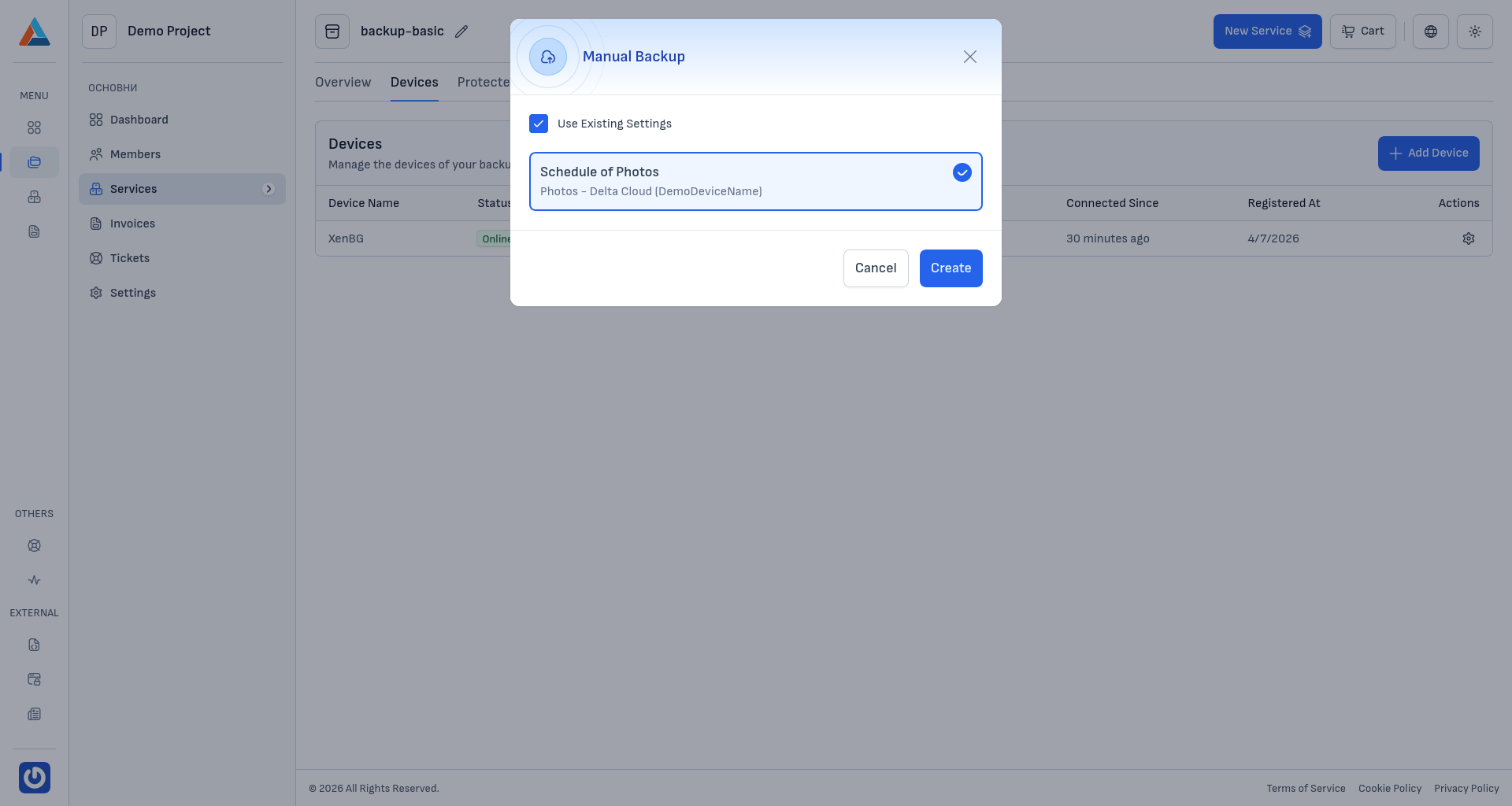
Select "Manual Backup". The system will create a new job for immediate execution.
Monitoring the result
After starting the job, open Jobs to monitor:
- current status (queued, running, successful, failed)
- start and end timestamps
- detailed logs for failed runs
Common issues
- Device is offline — check connectivity and agent status.
- No protected items configured — create a protected item before running manual backup.
- Job fails — review logs in Jobs and adjust source configuration or data access permissions.