Dashboard
The Dashboard is the landing page of every project. It shows summary numbers for the most important metrics and direct links to the full lists.
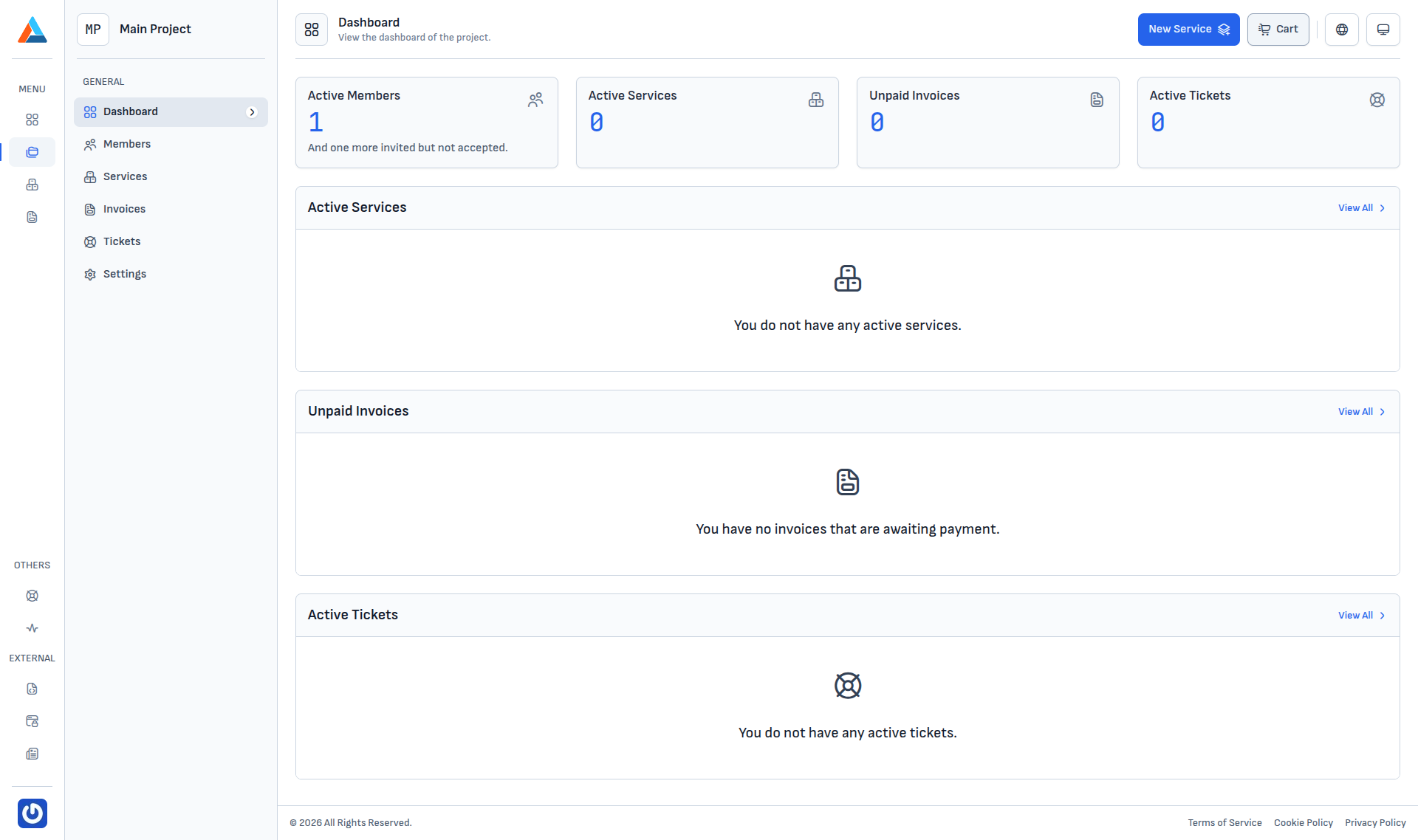
KPI cards
The top of the page has four cards; each is also a link to the corresponding section:
| Card | Shows |
|---|---|
| Active Members | Members who have accepted their invitation. A line "And one more invited but not accepted." appears underneath when there are pending invitations. |
| Active Services | Running services attached to the project (servers, disks, backups and others). |
| Unpaid Invoices | Invoices that are currently unpaid or overdue. |
| Active Tickets | Open support tickets. |
Clicking a number or card title opens the relevant section with the matching filter pre-selected.
Recent-activity blocks
Below the KPI cards are three blocks:
- Active Services — the most recent active services; the "View All" link goes to Services.
- Unpaid Invoices — recent invoices awaiting payment; the link goes to Invoices.
- Active Tickets — open tickets; the link goes to Tickets.
Every block shows an empty-state message when the list is empty (for example "You do not have any active services.").
Info
Your role in the project affects what you see — a Developer does not see the invoices block, an Accountant sees the financial blocks but not the services or tickets. See the role descriptions in Members.