New Service Order
A new invoice is issued automatically when you place an order for a new service or renew an existing one. This page describes the first step of the order flow — picking a service from /service/pick.
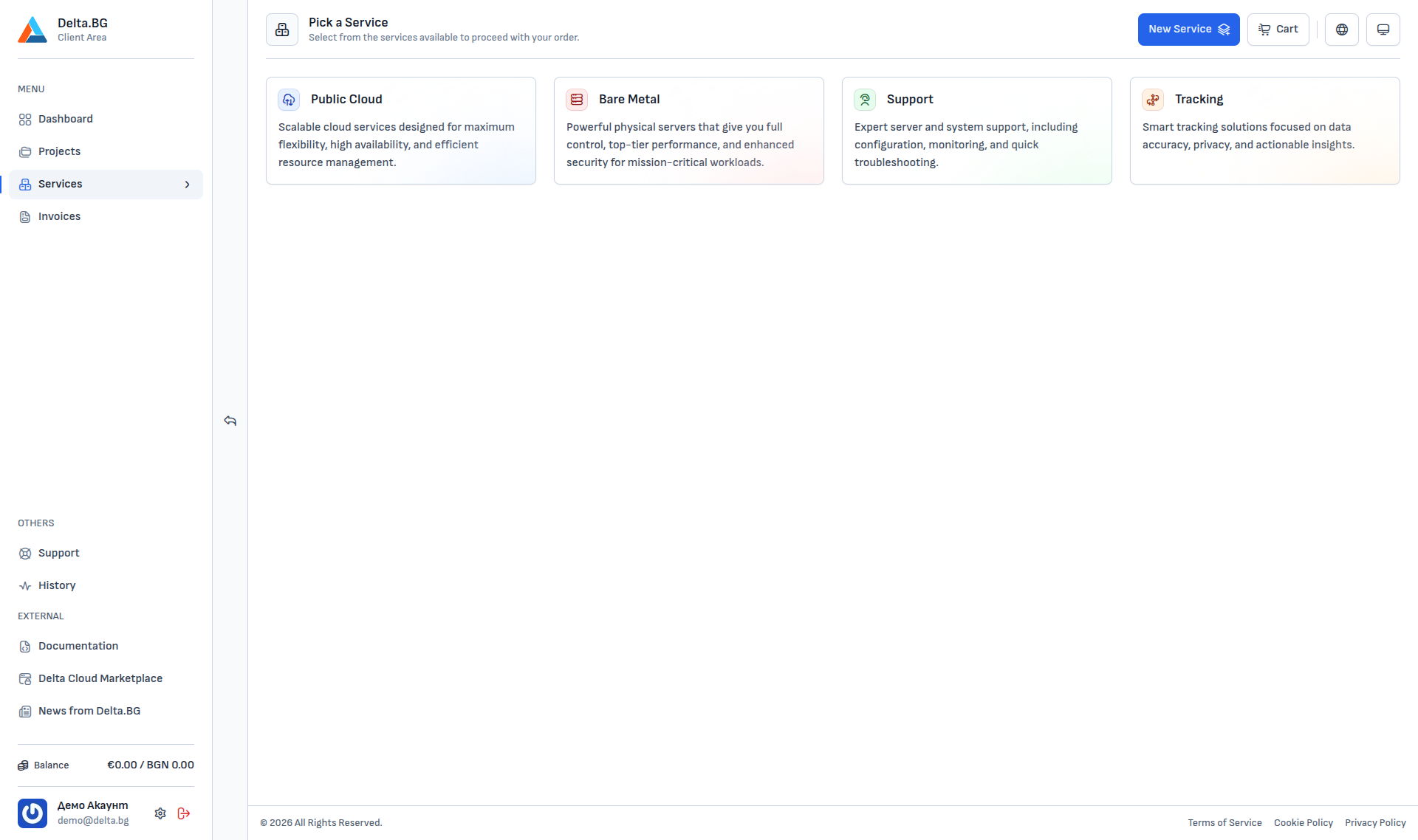
How to get there
- The "New Service" button in the top-right corner of every page in the Client Area.
- The
/service/pickpage directly. Services → New Servicefrom the menu.
Categories
The page exposes four service categories:
| Category | Purpose |
|---|---|
| Public Cloud | Scalable cloud services — Cloud VPS, Block Storage, Object Storage, Backup. |
| Bare Metal | Dedicated servers — full access and control for mission-critical workloads. |
| Tracking | Server-Side GTM — user behaviour tracking without sacrificing accuracy. |
Info
Detailed ordering steps for each individual service (configuration, pricing, requirements) are described in the corresponding service documentation.
Next steps
After you pick a category and a specific product, the standard order steps follow:
- Configuration — region, resources, optional add-ons.
- Cart — review the service and pricing.
- Payment — pick a method and confirm.
- Proforma invoice — issued automatically and available in the Invoice List.
Once payment succeeds the proforma becomes a tax invoice and the service is activated.