Restoring archived data
This guide describes the restore workflow started from the "Restore Archived Data" action in Devices.
Prerequisites
Before you begin, make sure:
- the device is online
- archived data is available for the selected device
- you know the type of data you are restoring (files, MySQL, Windows backup, etc.)
Restore steps
Select storage vault
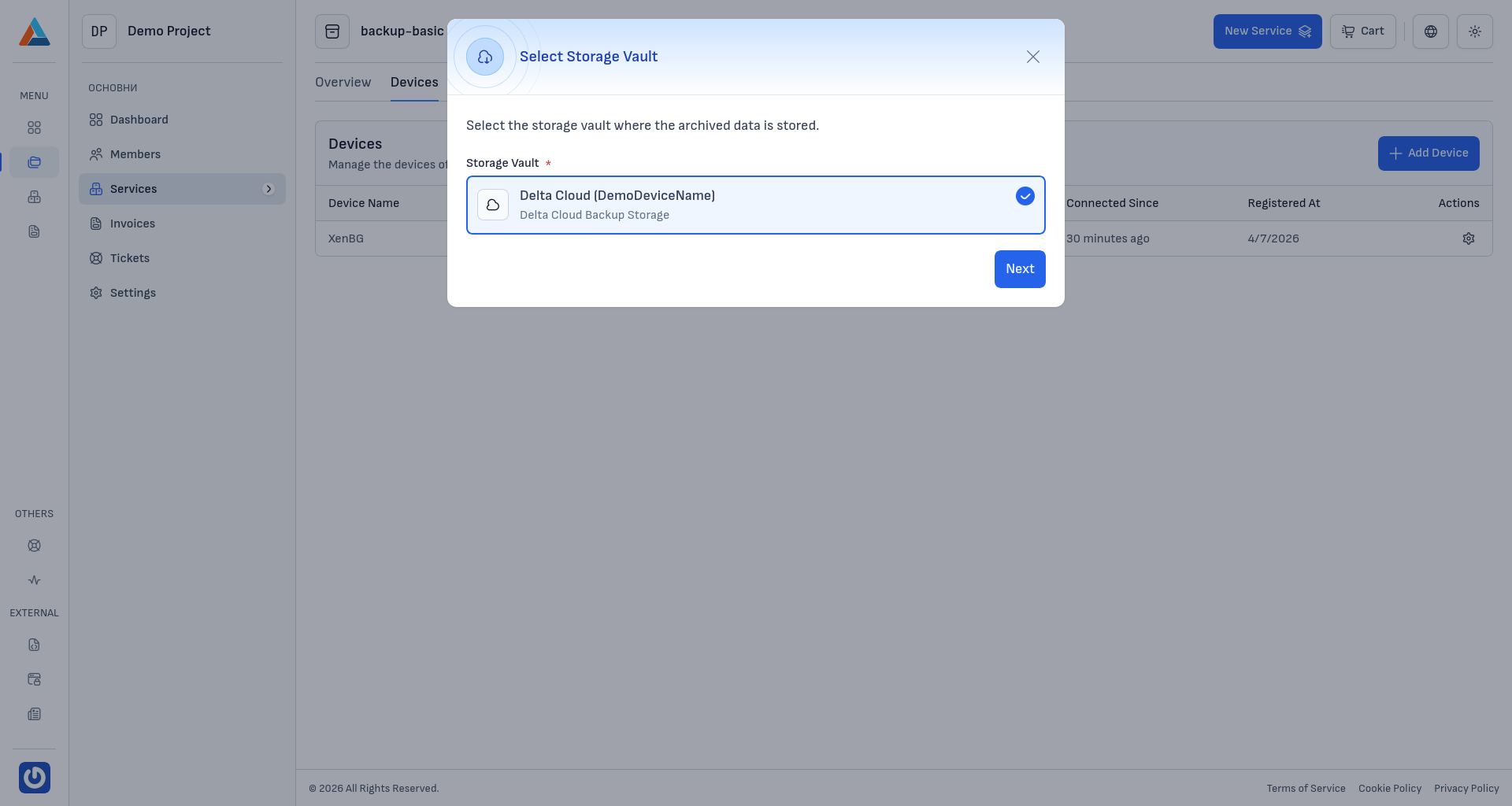
Select the Storage Vault that contains the data you want to restore.
Select snapshot
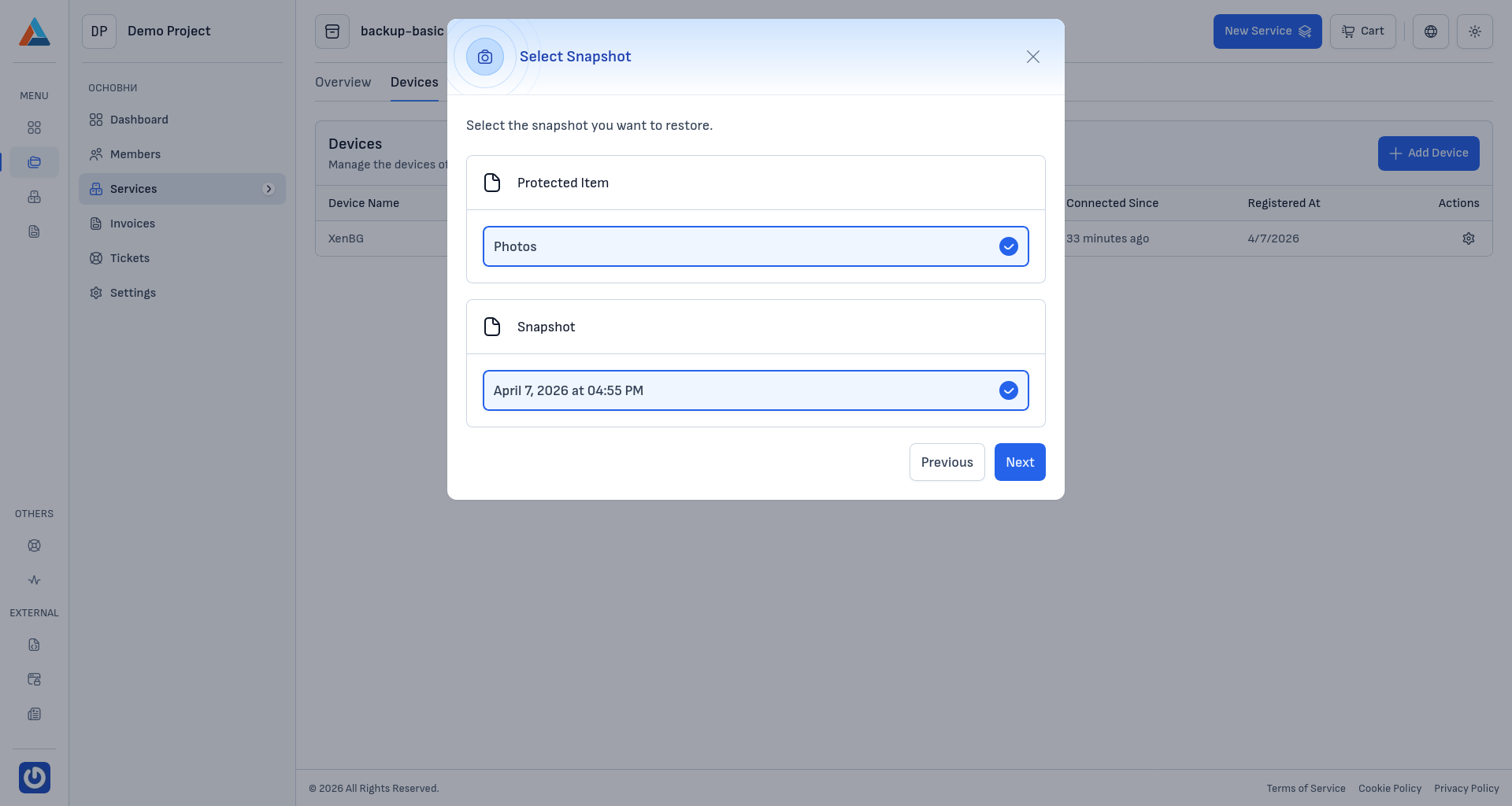
Select the restore point (snapshot) that matches the required point in time.
Select restore objects
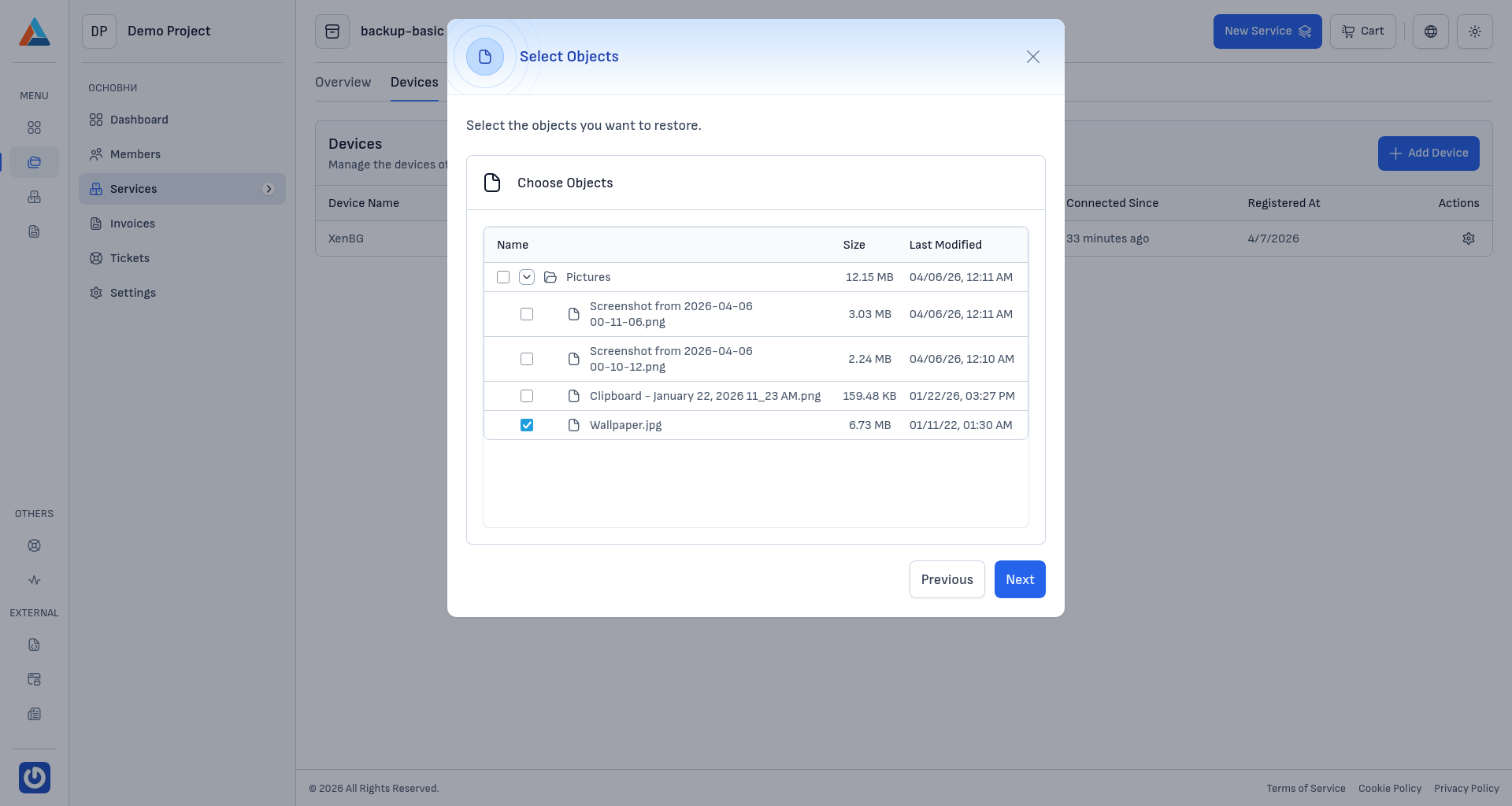
Choose the exact objects you want to recover (files, folders, databases, and more).
Choose restore options and confirm
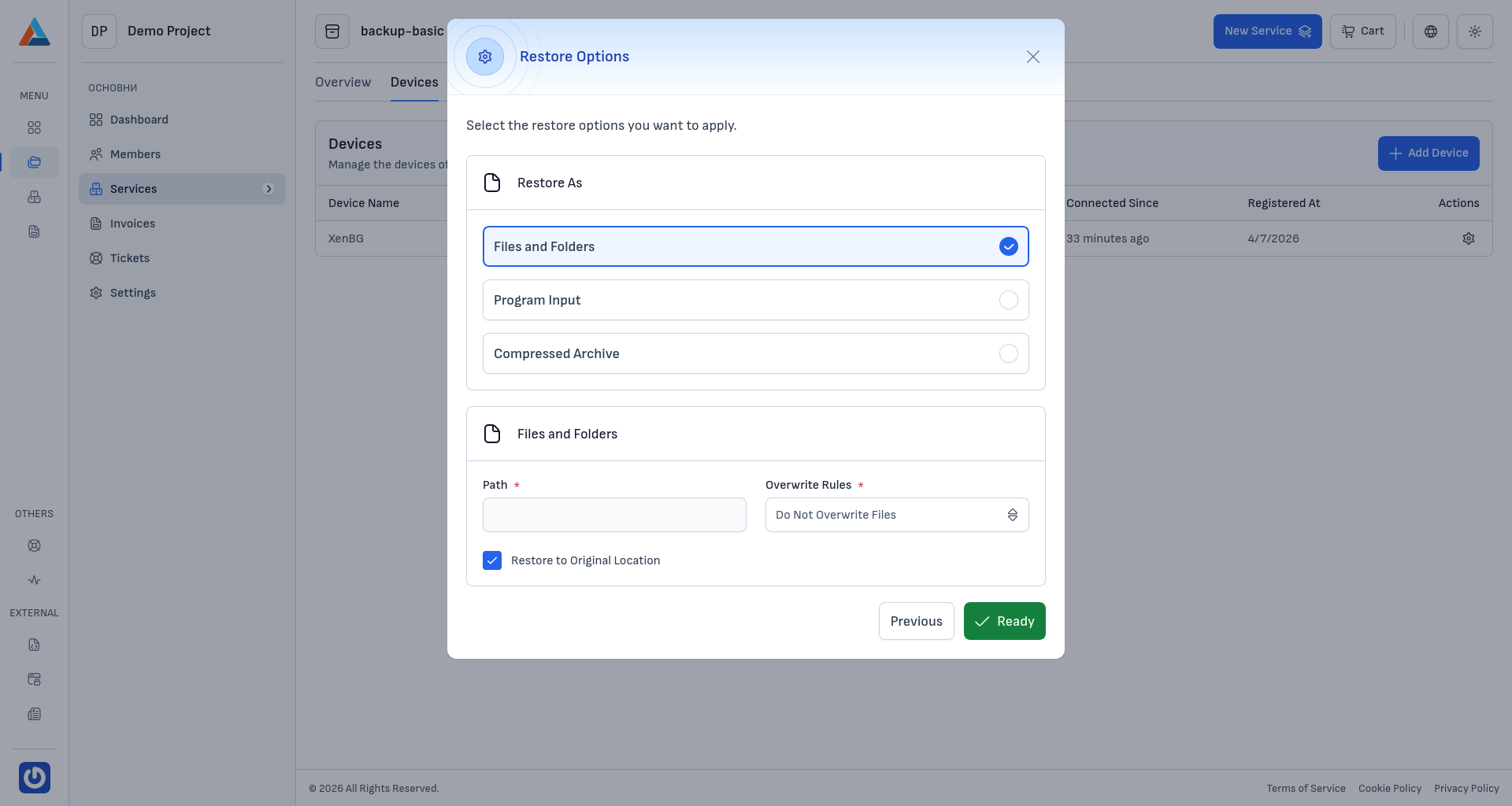
Set the appropriate restore options and start the restore job.
Verify results
After the restore starts, monitor status and logs in Jobs.
For data-type-specific restore methods, see Restore.