Forgot password
The recovery page is at https://my.delta.bg/auth/forgot-password. You can also reach it via the Forgot Your Password? link on the sign-in page.
Request a reset email
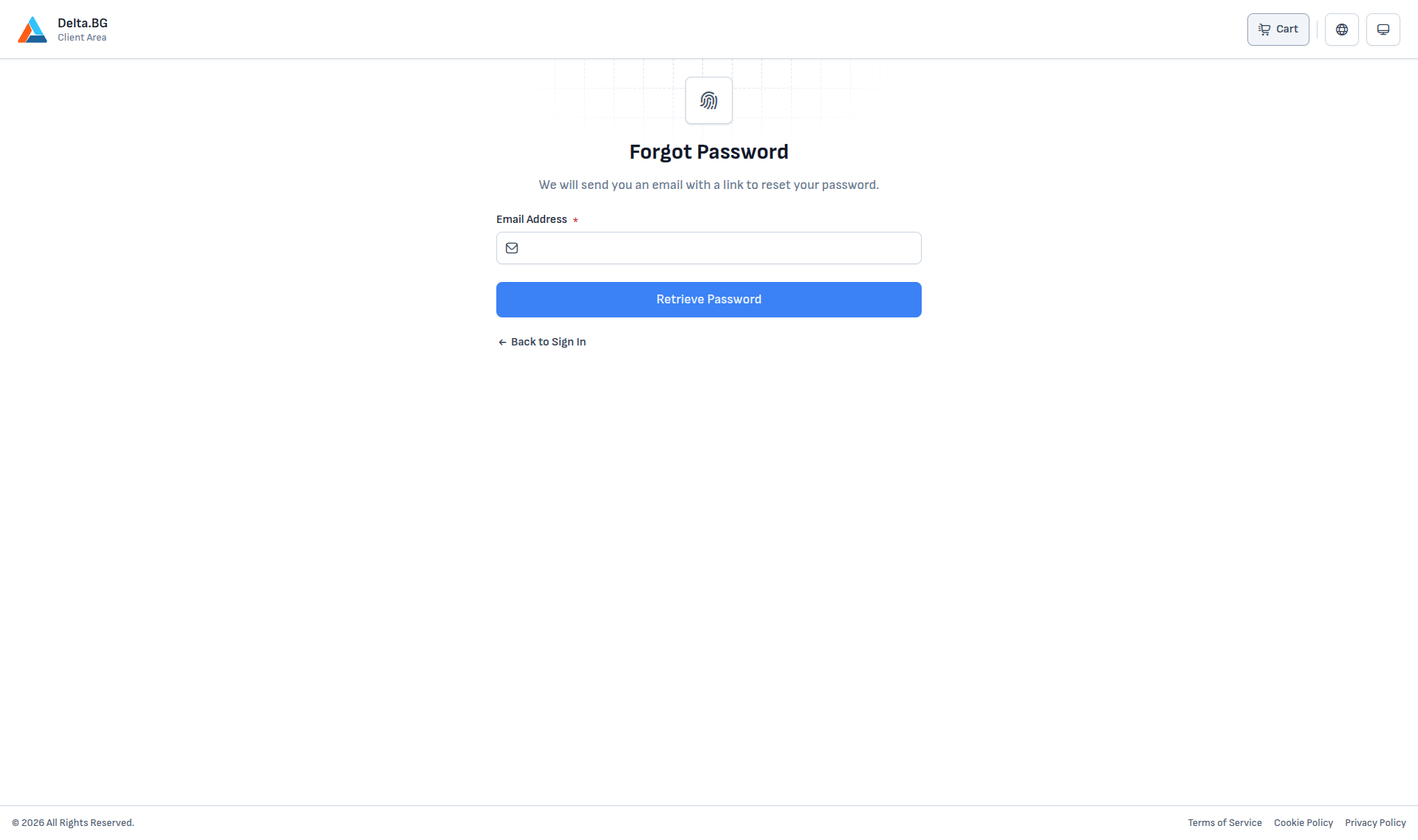
Enter the email address you registered with and press Retrieve Password. The system sends an email with a temporary reset link:
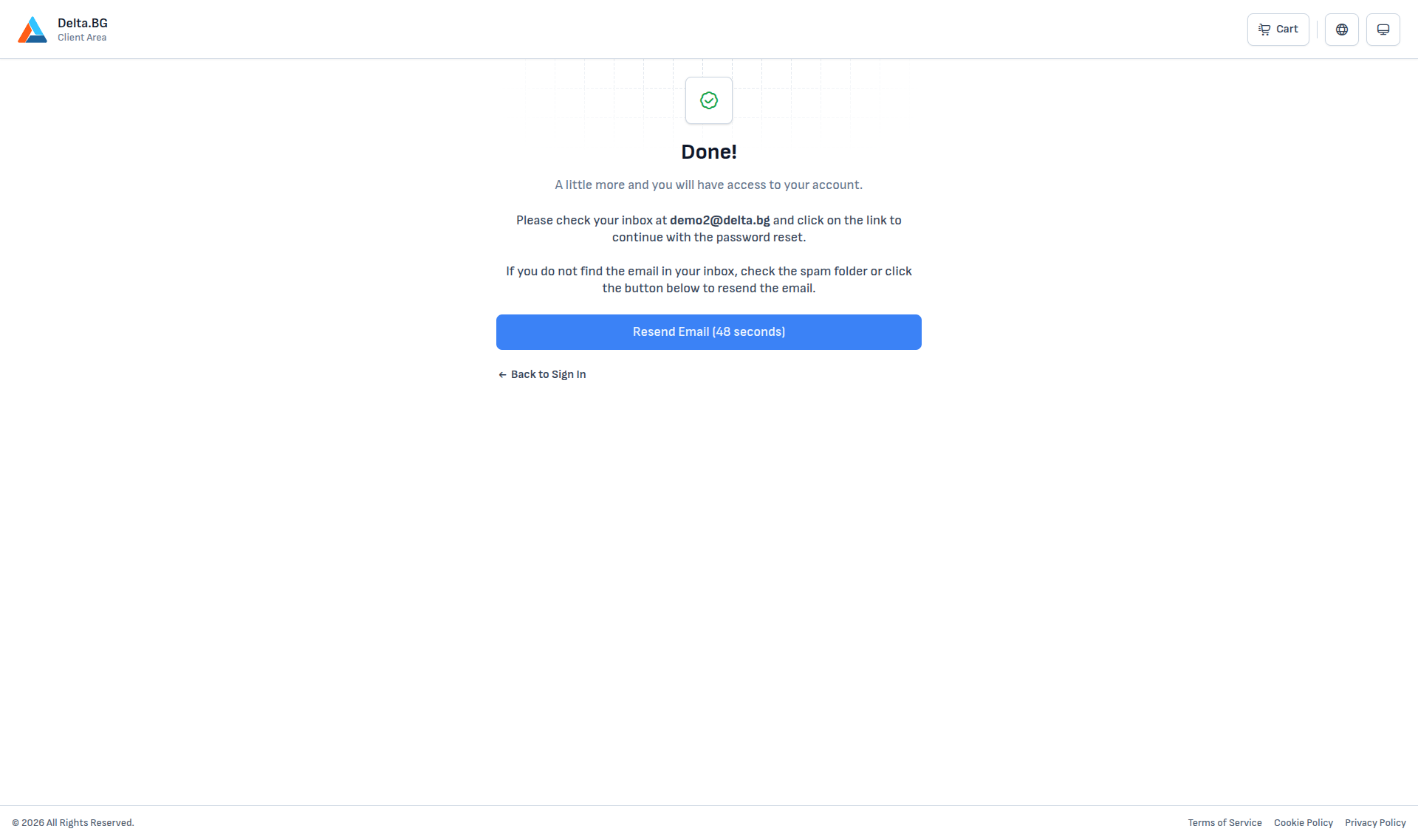
If the email does not arrive within a minute or two:
- Check your Spam folder.
- Use Resend Email (unlocks after a 60-second countdown) to send a fresh email.
Set a new password
The link in the email opens a form for your new password:
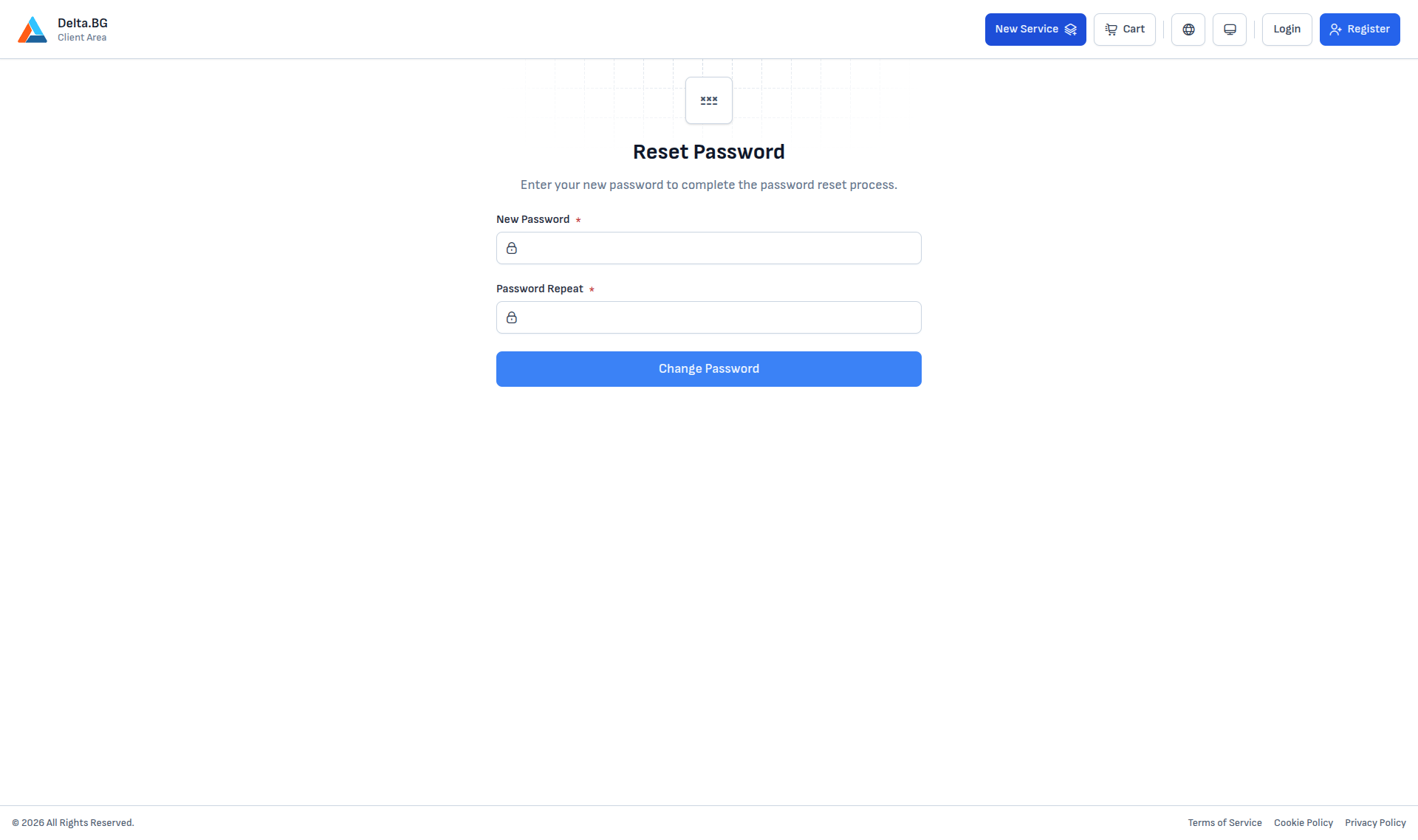
The new password must meet the same requirements as at sign-up:
- upper and lower-case letters;
- at least one digit;
- at least one special character;
- must not appear in public data leaks.
The two fields must match. Press Change Password to confirm.
Success
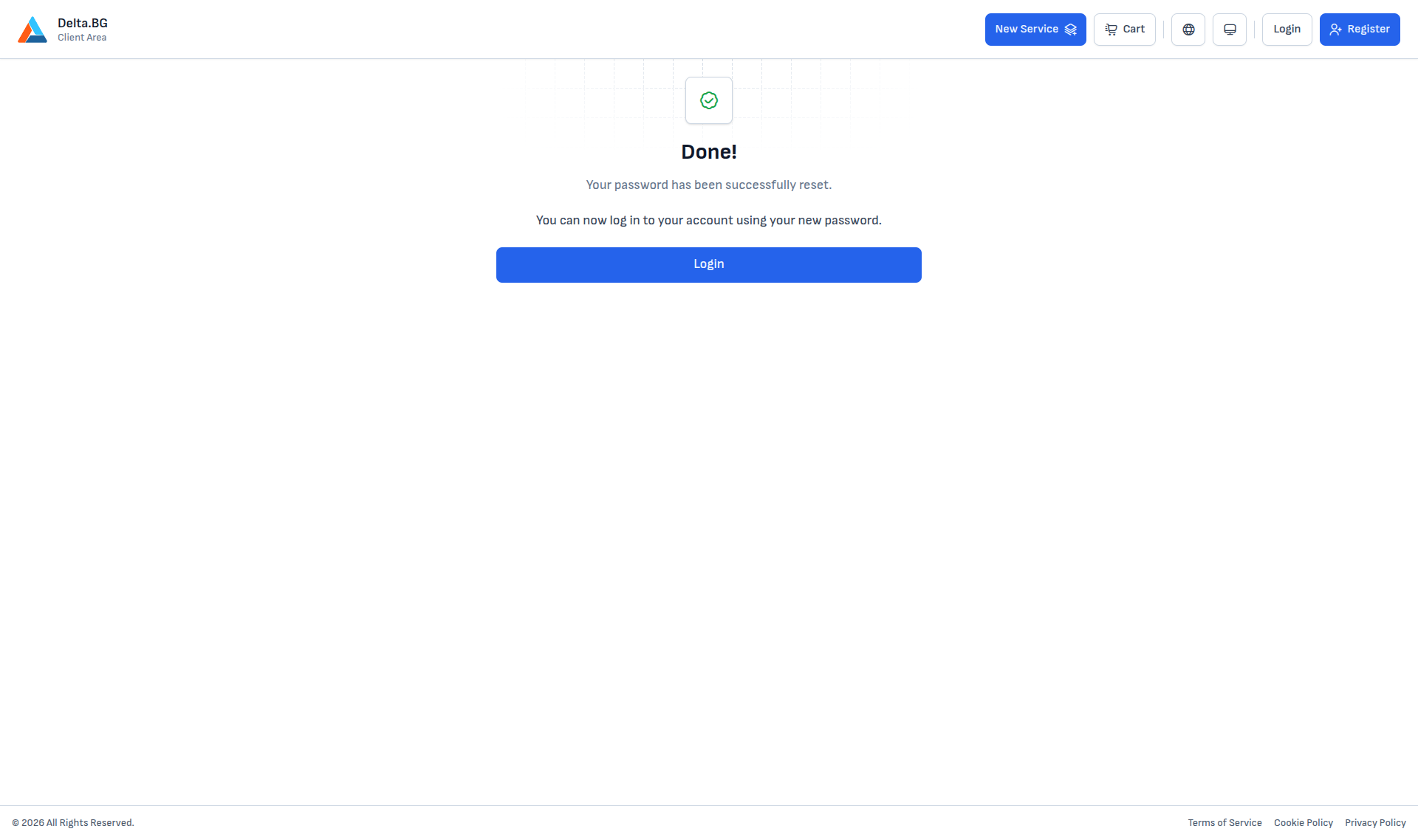
On success, you see a Done! message and a Login button that takes you to the sign-in page, where you can sign in with your new password.
Warning
The link in the email is valid for a limited time. If it expires, request a fresh email from the forgot-password form.
Info
A password reset does not disable your active MFA methods. On the next sign-in, the system will still ask for a one-time code from the enabled channel.