Overview
The Overview tab is the landing page of the Partner Program. It summarises your referral activity, your balances, and your personal affiliate link.
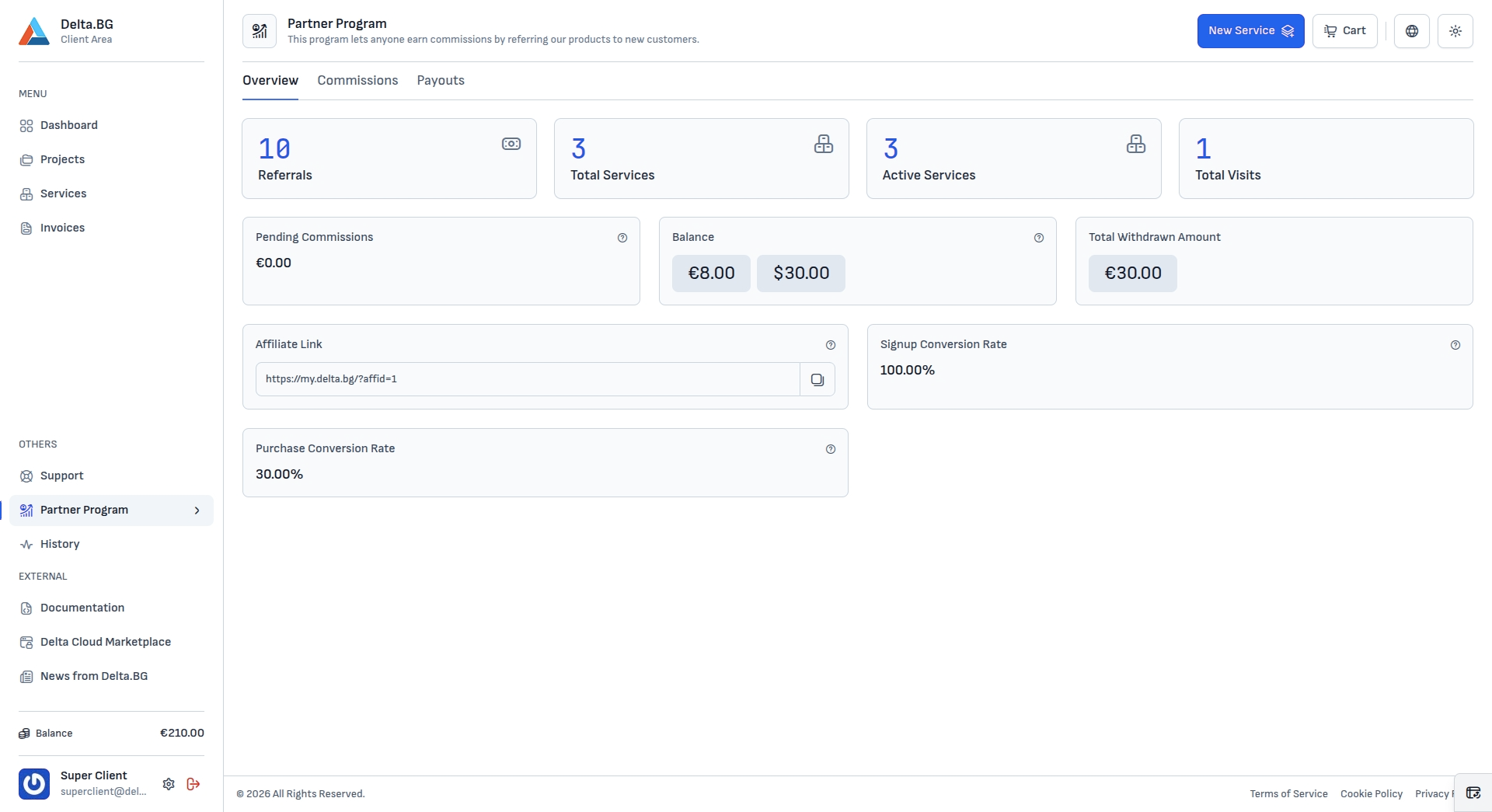
Counters
The four cards at the top show your headline numbers:
| Card | Shows |
|---|---|
| Referrals | The number of customers who registered through your affiliate link. |
| Total Services | All services ordered by the customers you referred. |
| Active Services | Those referred services that are currently active. |
| Total Visits | Visits recorded on your affiliate link. |
Balances
| Card | Shows |
|---|---|
| Pending Commissions | The total value of commissions still in their clearing period. |
| Balance | Commissions that have cleared and are available to withdraw, shown per currency (for example €8.00 and $30.00). |
| Total Withdrawn Amount | The total that has already been paid out to you. |
Affiliate Link
The Affiliate Link field holds your personal referral URL (for example https://my.delta.bg/?affid=1). Use the copy button next to it and share the link wherever you promote Delta.BG — every visit and sign-up through it is attributed to you.
Conversion rates
| Rate | Meaning |
|---|---|
| Signup Conversion Rate | The share of visits through your link that resulted in a registration. |
| Purchase Conversion Rate | The share that went on to order a service. |
Info
See the individual commission events on the Commissions tab, and request a payout from Payouts.