Tickets
The Tickets section (Project → Tickets) contains every support ticket you have opened for this project.
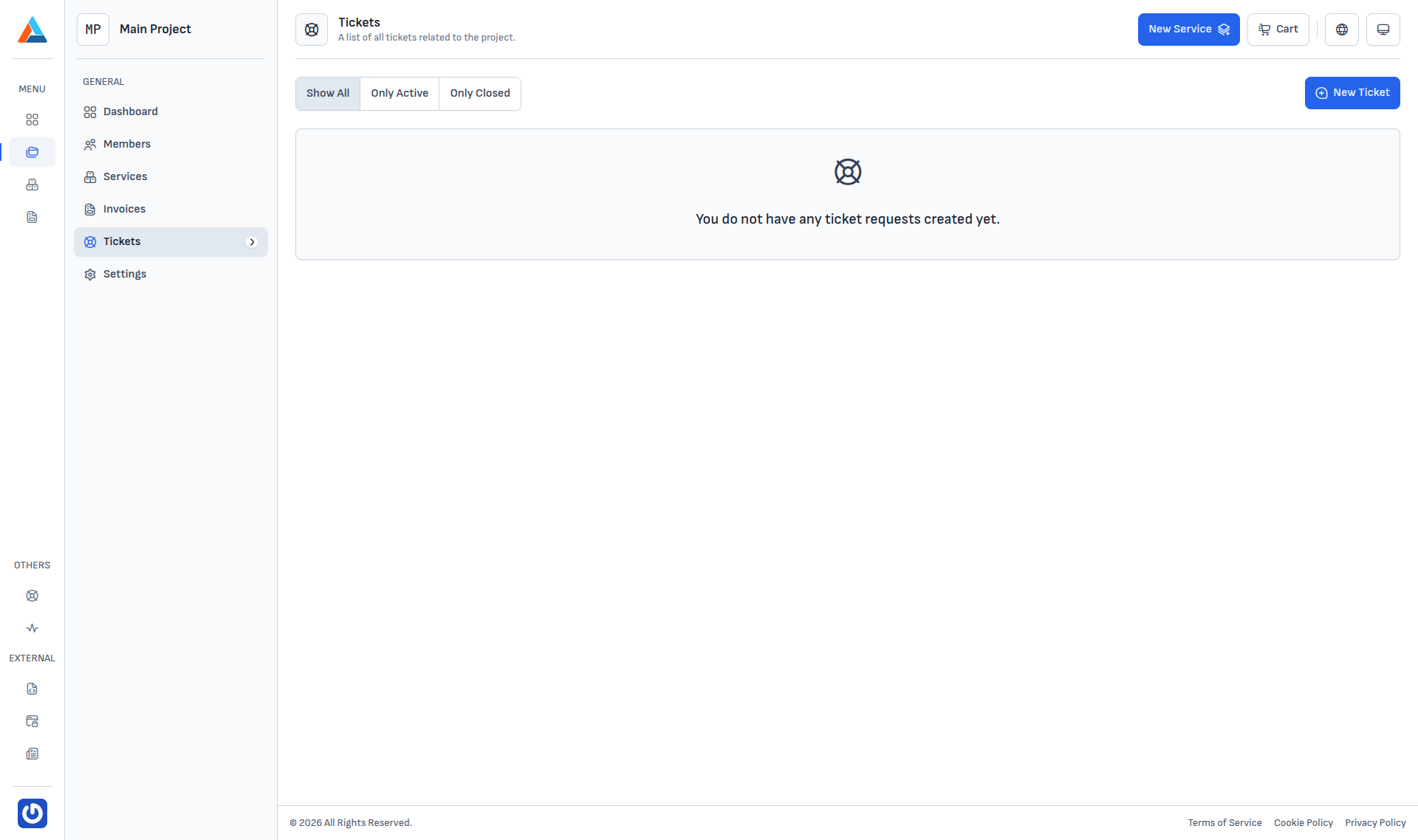
Filters
The top-left has a status filter:
| Filter | Shows |
|---|---|
| Show All | Every ticket regardless of status. |
| Only Active | Tickets in active statuses — open, in progress, or awaiting a reply. |
| Only Closed | Tickets in Resolved and Closed. |
The full list of statuses and their meaning is documented in Tickets → Introduction.
New Ticket
The New Ticket button in the top-right corner opens the creation form. The ticket is automatically linked to the current project, so the support team knows which project it relates to.
Empty state
When you have not opened a ticket in the project yet, the page shows "You do not have any ticket requests created yet.".
Info
The combined list of tickets across all your projects lives at Menu → Support — see Tickets.