Invoice List
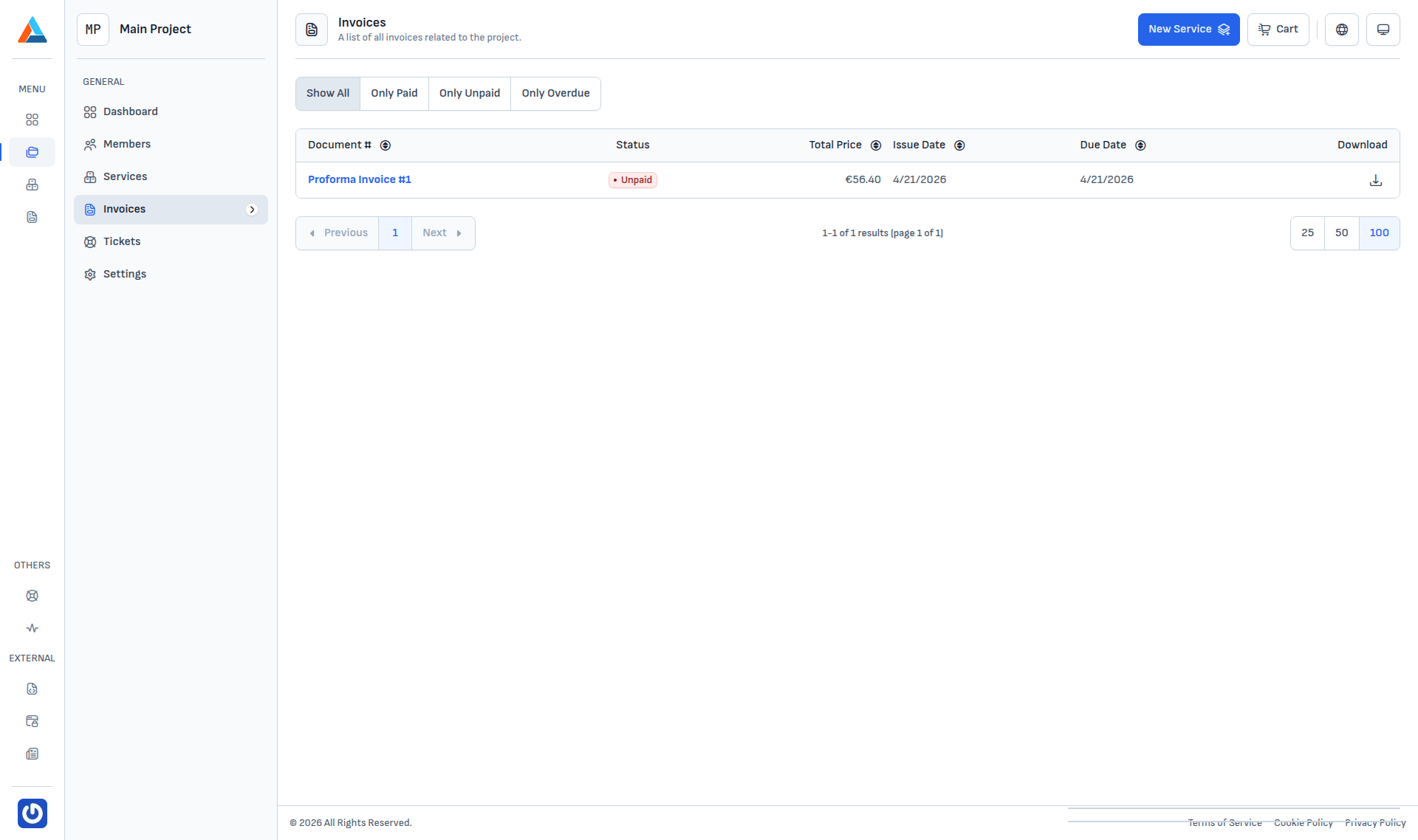
Menu → Invoices lists every invoice issued for your account, regardless of project. The same table scoped to a single project is available under Project → Invoices.
Status filters
Four filters are available in the top-left corner:
| Filter | Shows |
|---|---|
| Show All | All invoices, regardless of status. |
| Only Paid | Invoices that have already been paid. |
| Only Unpaid | Issued invoices still within their payment window. |
| Only Overdue | Invoices whose due date has passed. |
Table columns
| Column | Description |
|---|---|
| Document # | Document number and type (proforma, tax invoice, credit note). Links to the invoice detail. |
| Status | Paid / Unpaid / Overdue. |
| Total Price | Amount in the invoice's primary currency. |
| Issue Date | When the invoice was created. |
| Due Date | The payment deadline. |
| Download | One-click PDF download button. |
Downloading the PDF
The last column of each row has a button for a direct PDF download. The same file is also available from the invoice detail page.
Info
Paying an unpaid invoice is handled from its detail page — that's where available payment methods and recent transactions are listed.