Invoices
The Invoices section (Project → Invoices) shows every invoice issued for the services in the project.
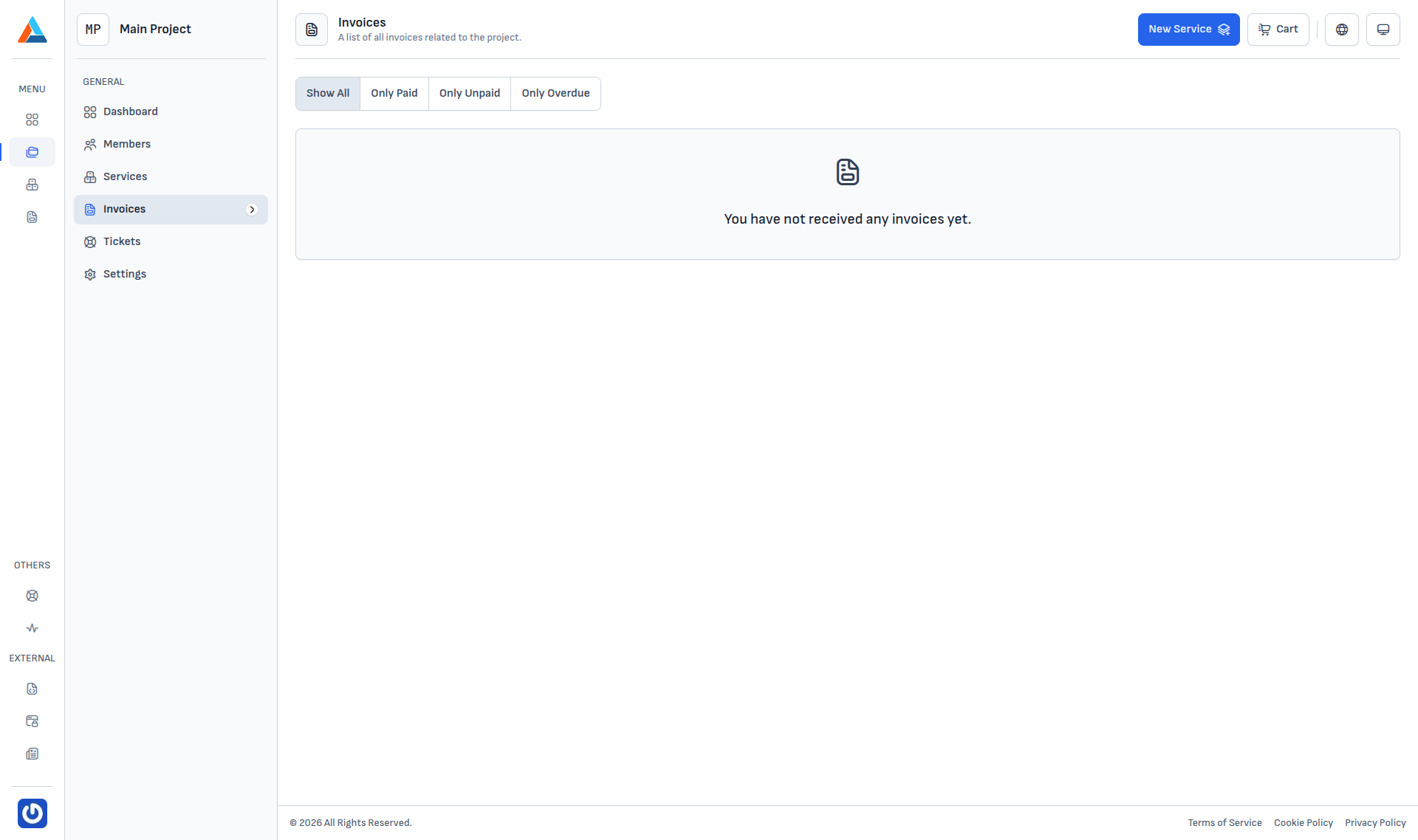
Filters
The top-left has a payment-status filter:
| Filter | Shows |
|---|---|
| Show All | Every invoice regardless of status. |
| Only Paid | Invoices with paid status. |
| Only Unpaid | Unpaid invoices still within the due date. |
| Only Overdue | Invoices past their due date. |
Empty state
When there are no invoices yet, the page shows "You have not received any invoices yet.". Invoices are generated automatically — monthly for subscription services, or on order for one-off services.
Info
Every invoice is issued against the project's default billing account (see Settings). When a default payment method is also set, billing can be charged automatically.