Account confirmation
Immediately after registration the system sends a 6-digit verification code to the email address you registered with and redirects you to the verification screen:
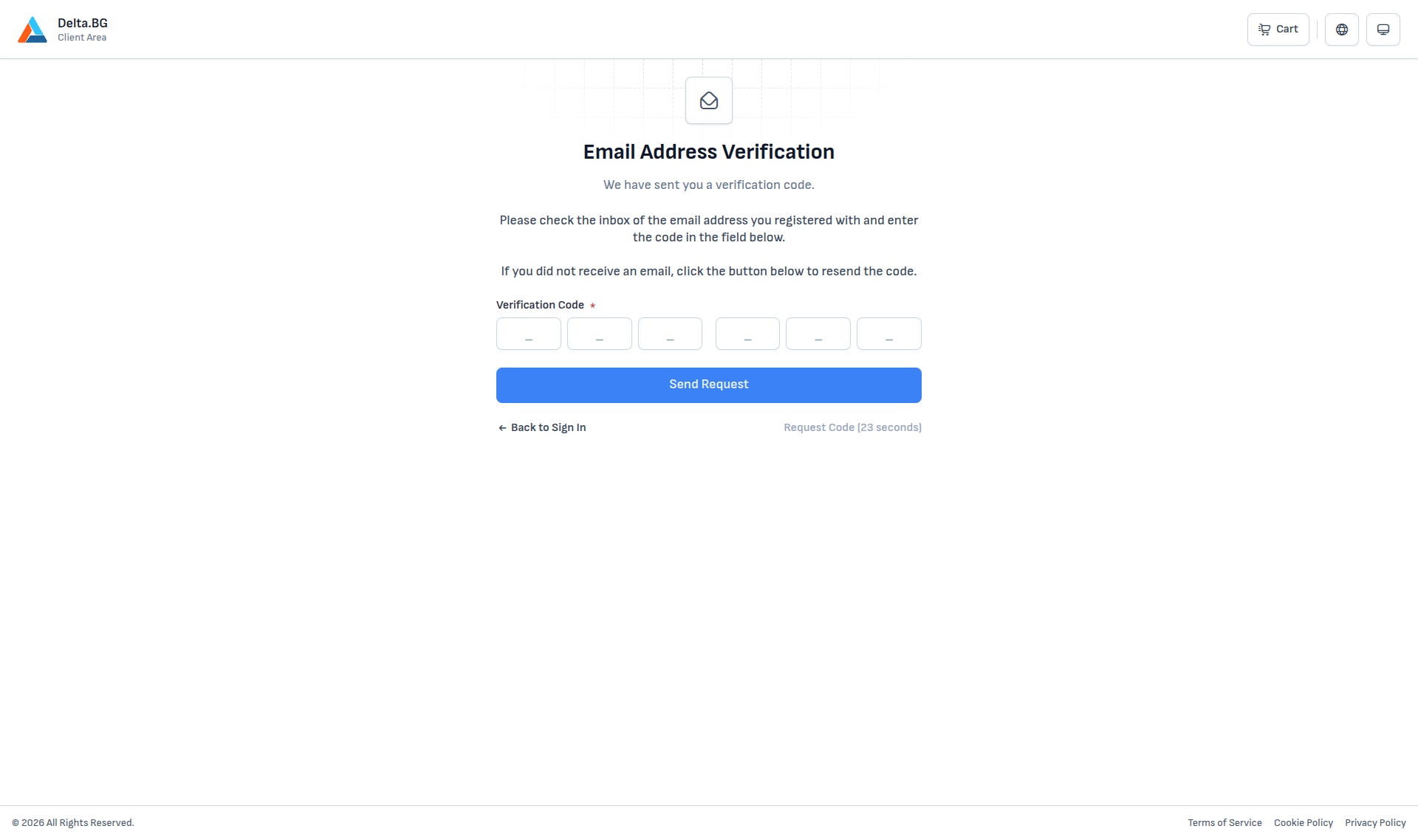
Entering the code
Open the email with subject "Delta.bg: Confirm your email address" and enter the 6-digit code into the six input boxes. The cursor advances to the next box automatically as you type.
On a valid code a brief Done! message is shown and the system automatically redirects you to the sign-in page.
If the email did not arrive
- Check your Spam folder — automated emails sometimes land there.
- Wait 60 seconds after the page loaded; the Request Code button then unlocks. Press it to send a fresh email.
- Verify that the email address you registered with is correct. If you mistyped it, simply register again with the correct address — the incomplete original registration remains inactive.
If the code has expired
If you enter an old code, the system reports that the code is invalid. Use Request Code to get a fresh 6-digit code.
Info
The email-address confirmation step happens only once, at registration. You do not need to repeat it on later sign-ins.
Warning
Without a confirmed email address you cannot place service orders. Complete the confirmation right after registering to avoid problems later.