Introduction to Snapshots
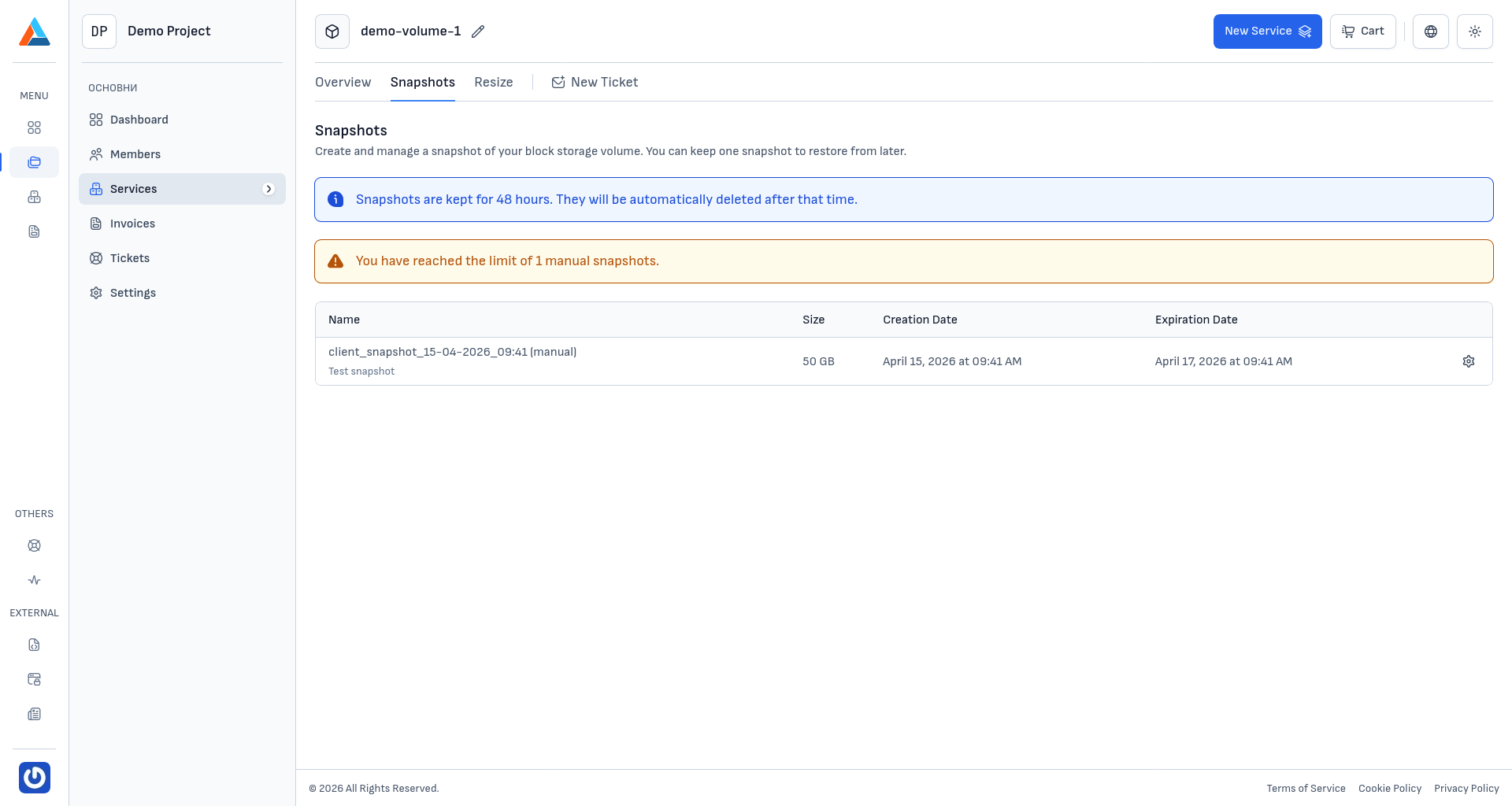
The "Snapshots" section allows you to create point-in-time snapshots of your Block Storage volume. A snapshot is a copy of the current state of the volume that can be used to quickly restore it to a previous state.
Volume detachment during snapshot operations
When creating or reverting a snapshot, the volume will be temporarily detached from the connected Cloud VPS server (if currently attached). After the operation completes, the volume will be automatically re-attached to the server. Plan snapshot operations during periods of low activity to minimize impact on your services.
Note
Snapshots are kept for a period of 48 hours. They will be automatically deleted after that time. You can maintain one manual snapshot at a time.
How Snapshots Work
A snapshot is a point-in-time copy of an entire volume at the block level. Unlike file-based backups that copy individual files, a snapshot captures the complete state of the volume — including all data, file systems, and partition structures. This allows the volume to be restored to the exact state it was in at the moment the snapshot was created.
In the context of the Block Storage service, the snapshot covers the Block Storage volume itself — the additional disk attached to your Cloud VPS server. This is different from Cloud VPS snapshots, which cover the server's main volume. Block Storage snapshots are managed from the volume's own service page in the client area.
Snapshots are stored within the Delta Cloud infrastructure and are accessible directly from the client area. Creation and restoration are fast operations, as they work at the block level without needing to process individual files.
When to Use Snapshots
Snapshots are ideal for short-term protection before planned changes to your volume data:
- Before data migration — create a snapshot before transferring or transforming data stored on the volume, so you can quickly roll back if something goes wrong
- Before application updates — preserve the current state before updating applications or databases that store data on the volume
- Before structural changes — take a snapshot before modifying file system structures, partition layouts, or directory organization on the volume
- Before bulk data operations — ensure a rollback point when performing large-scale data imports, exports, or transformations
Tip
Snapshots are designed for quick recovery in short-term scenarios. For long-term data protection and scheduled automatic backups, use the Delta Cloud Backup service.
Snapshots vs. Backups — Comparison
Snapshots and the Delta Cloud Backup service are complementary tools with different purposes:
| Snapshots | Delta Cloud Backup | |
|---|---|---|
| What it captures | Entire volume at the block level | Individual files, folders, databases |
| Retention | 48 hours, then automatically deleted | Configurable — days, weeks, months, or indefinitely |
| Number of copies | 1 manual snapshot | Multiple restore points |
| Restoration | Entire volume at once | Selective — specific files, folders, or databases |
| Automation | Manual creation | Automatic on a configured schedule |
| Purpose | Short-term protection before changes | Long-term protection and policy compliance |
| Cost | Included with Block Storage service | Separate service |
Note
For maximum data protection, it is recommended to use both tools — snapshots for quick protection before planned changes and Delta Cloud Backup for regular automatic archiving.
Next Steps
For detailed instructions on creating, viewing, reverting, and deleting snapshots, see Managing Snapshots.