Introduction to Devices
A device is a computer or server on which the Delta Cloud Backup Agent is installed and connected to your backup account. Each device is registered using the credentials provided on the Overview page and can be configured with its own backup sources, schedules, and retention policies.
In the devices list, you can see information about each device: its name, current online/offline status, operating system and agent version, timezone, IP address, last connection time, and registration date. This information helps you monitor the state of your backup infrastructure at a glance.
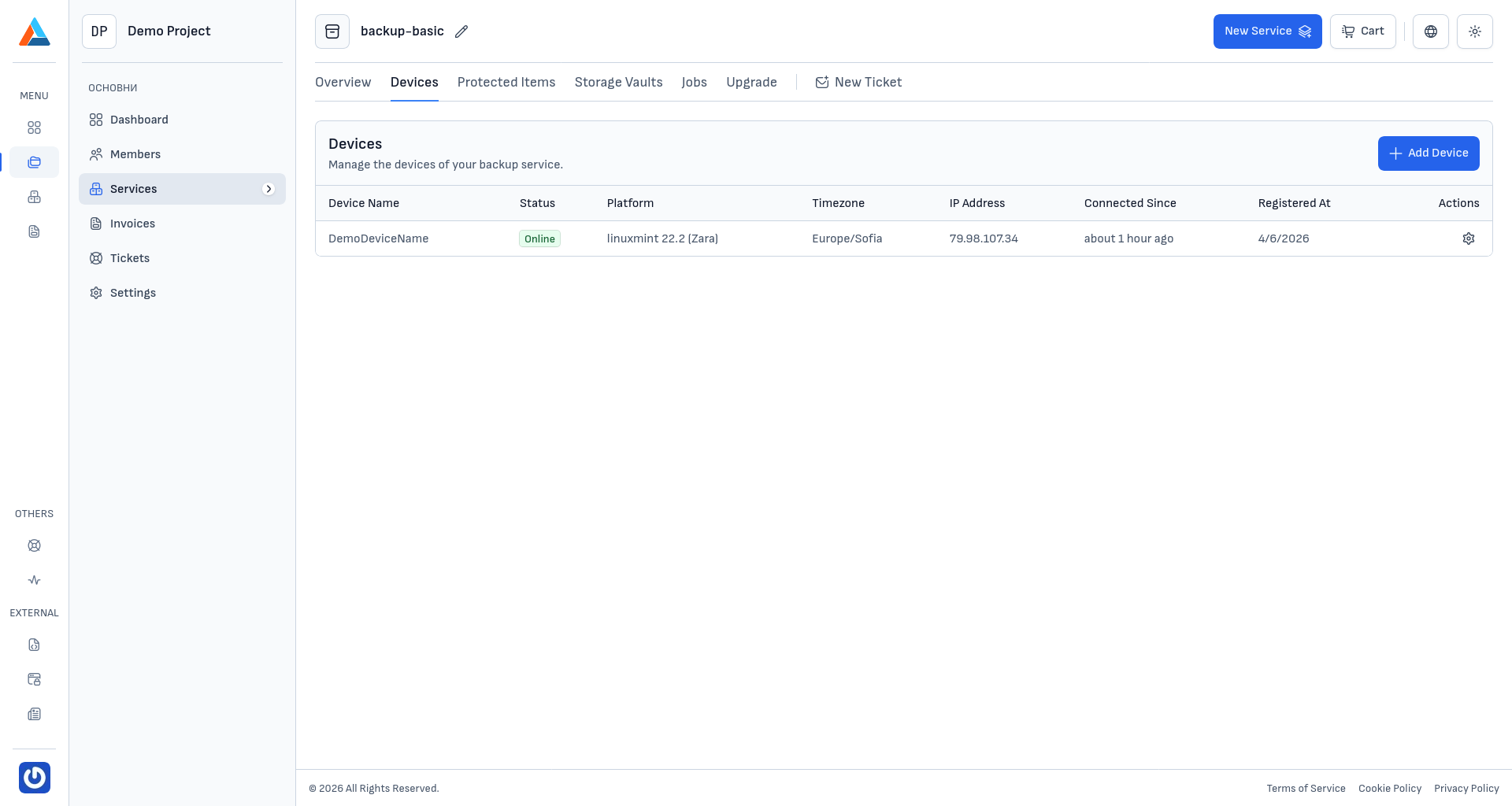
Available Actions
The section offers the following actions for managing your devices:
- Add Device — register a new device by installing the backup agent
- Reinstalling and reconnecting the agent — restore connectivity when registration, session, or re-add issues occur
- Manual Backup — trigger an immediate backup on a device that is currently online. The result will appear in the Jobs list.
- Restore Archived Data — restore data from existing backup snapshots on a device that is currently online. The result will appear in the Jobs list.
- Delete — unregister a device from your backup service