Services
The Services section (Project → Services) contains every service you have ordered for the current project — servers, disks, backups and others.
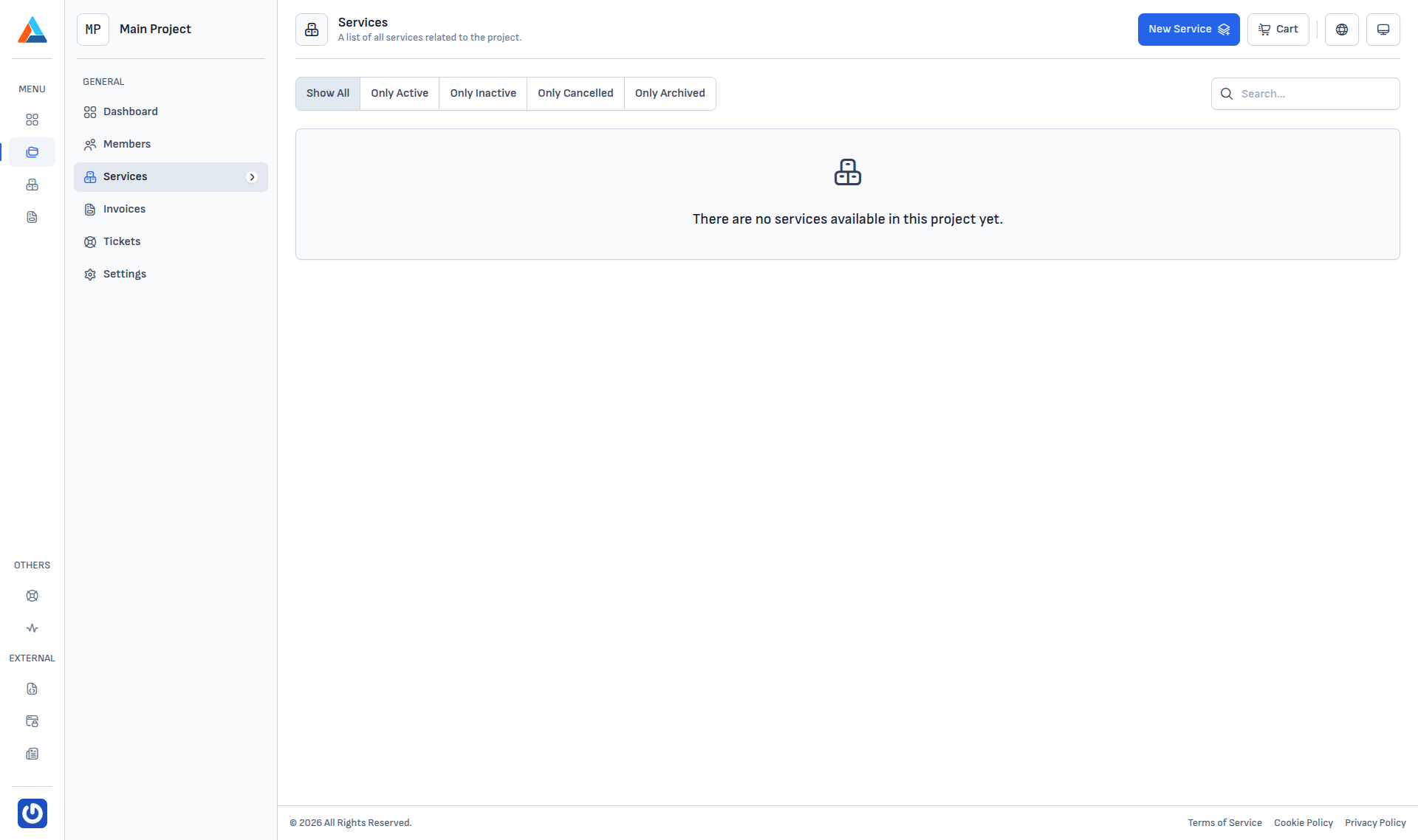
Filters
The top-left has a status filter:
| Filter | Shows |
|---|---|
| Show All | Every service regardless of status. |
| Only Active | Services that are active and billable. |
| Only Inactive | Temporarily suspended services. |
| Only Cancelled | Cancelled services that are no longer billed. |
| Only Archived | Archived services — visible for reference, no access. |
Search
The Search field on the top-right filters services by name. It works together with the selected status filter.
Empty state
When the project has no services yet, the page shows "There are no services available in this project yet.". Adding a new service happens via the New Service button in the top-right corner — after the order, the service appears in the list automatically.
Info
Services are managed from dedicated pages for each service type — see the relevant topic (for example Object Storage). This page is only the list of what you already have in the project.