Execution Commands
Execution commands allow you to run custom scripts or commands at specific points during the backup process. They can be used to prepare the system for backup (e.g., stop a service, flush caches) or perform additional tasks after the backup completes (e.g., restart a service, send a notification).
This step is shared across all backup types and is optional — you can skip it if no custom commands are needed.
Configuring Commands
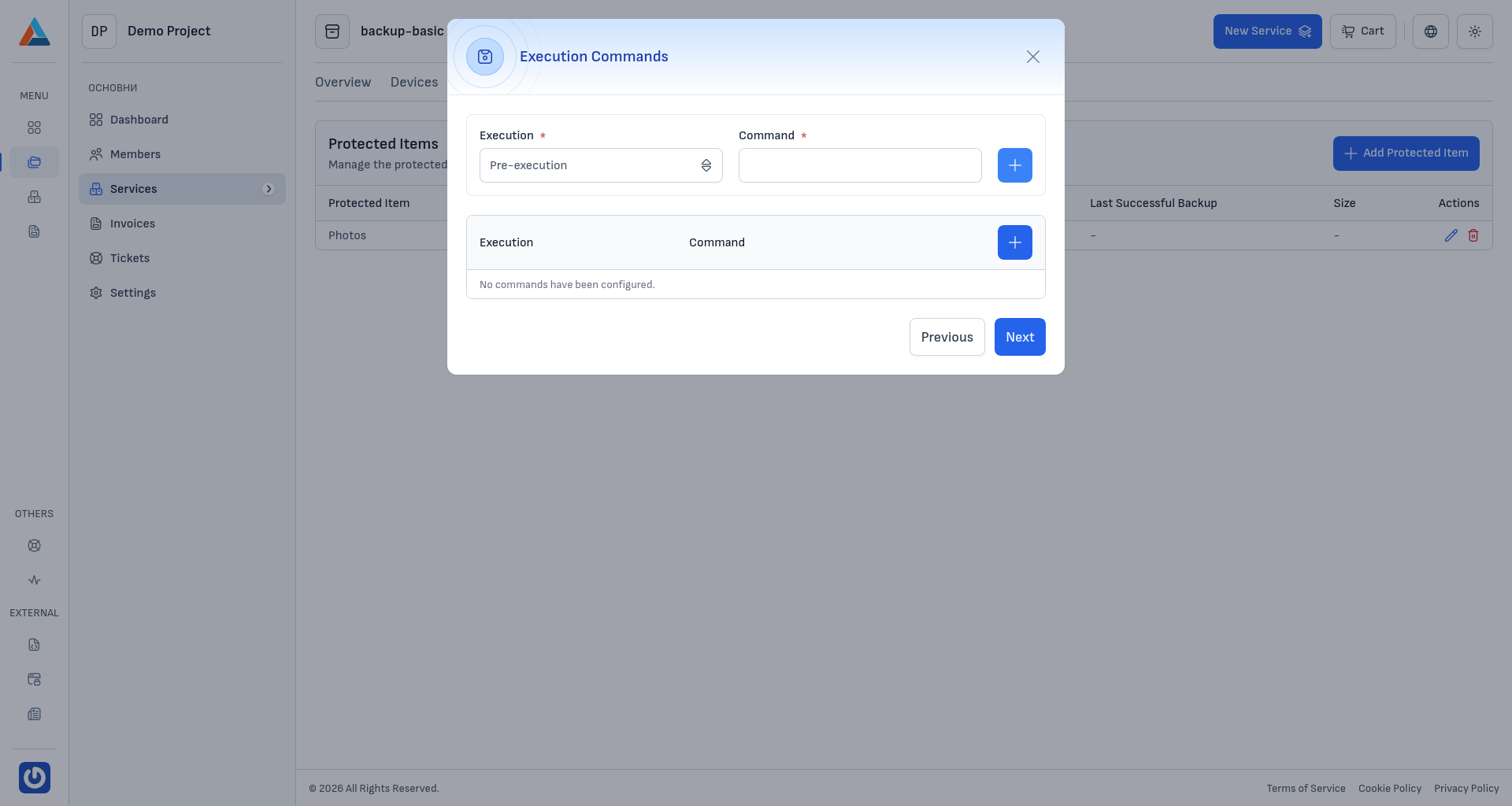
To add a command, select the Execution type and enter the Command to be run. Click the add button to create the entry. You can add multiple commands, and each one can be removed individually.
The available execution types are:
- Pre-execution — runs before the backup process begins. Use this to prepare the system, such as stopping a database service or flushing application caches.
- After filesystem snapshot — runs after the filesystem snapshot (VSS) is taken, but before the data transfer begins. This is useful for releasing locks or resuming services while the backup continues in the background.
- Post-execution — runs after the backup process completes (regardless of success or failure). Use this for cleanup tasks like restarting services or sending notifications.
Note
Commands are executed on the device where the backup agent is installed, using the agent's system privileges. Make sure the commands are valid for the device's operating system.
After configuring execution commands, click "Next" to proceed to the Schedule step.