MongoDB
The MongoDB backup type connects to a MongoDB deployment over the network and backs up the databases you select. The flow is the same as for MySQL: after you choose the backup type in the first wizard step, you enter connection settings and then pick the databases to include.
Connection settings
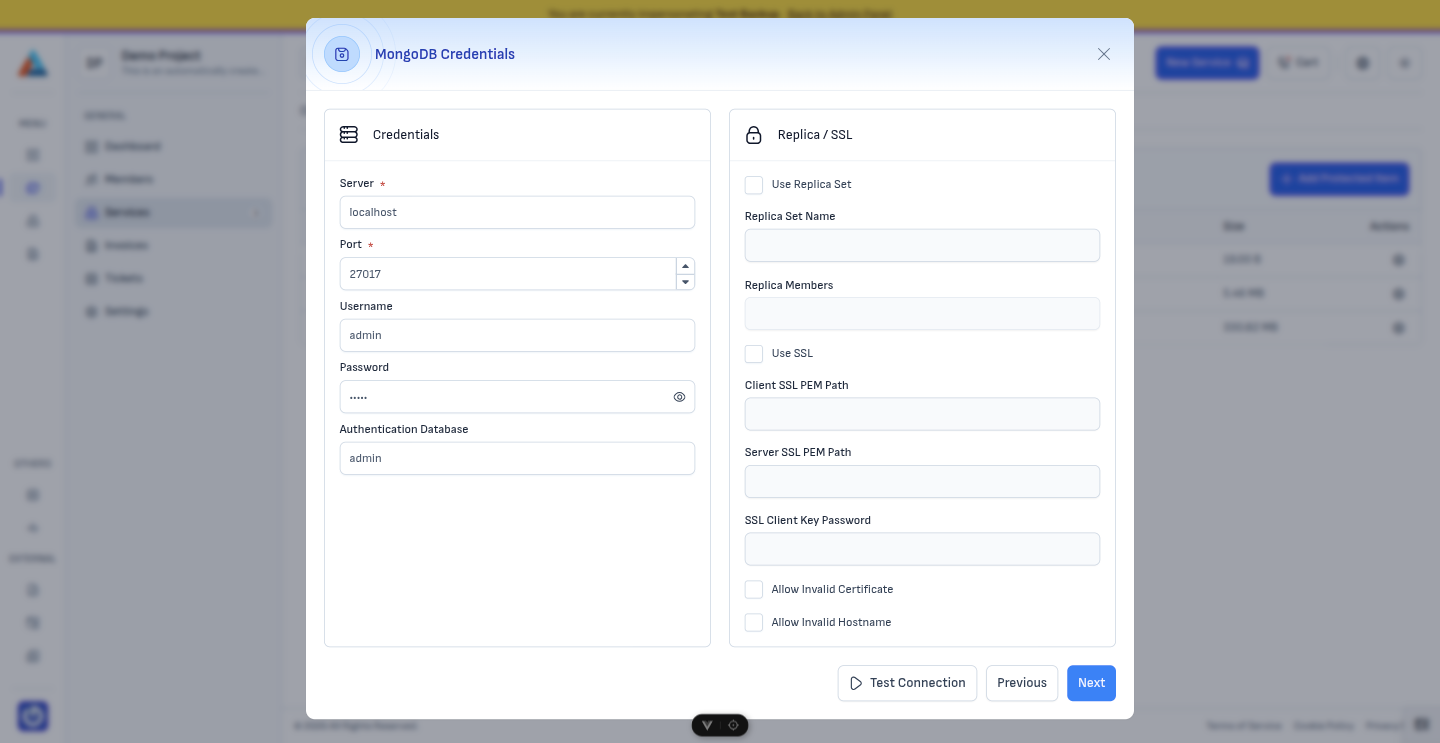
Enter the details required to reach your MongoDB server (host, port, credentials). Specify the authentication database for the backup user — admin is used by default when users are created in the admin database.
Selecting databases
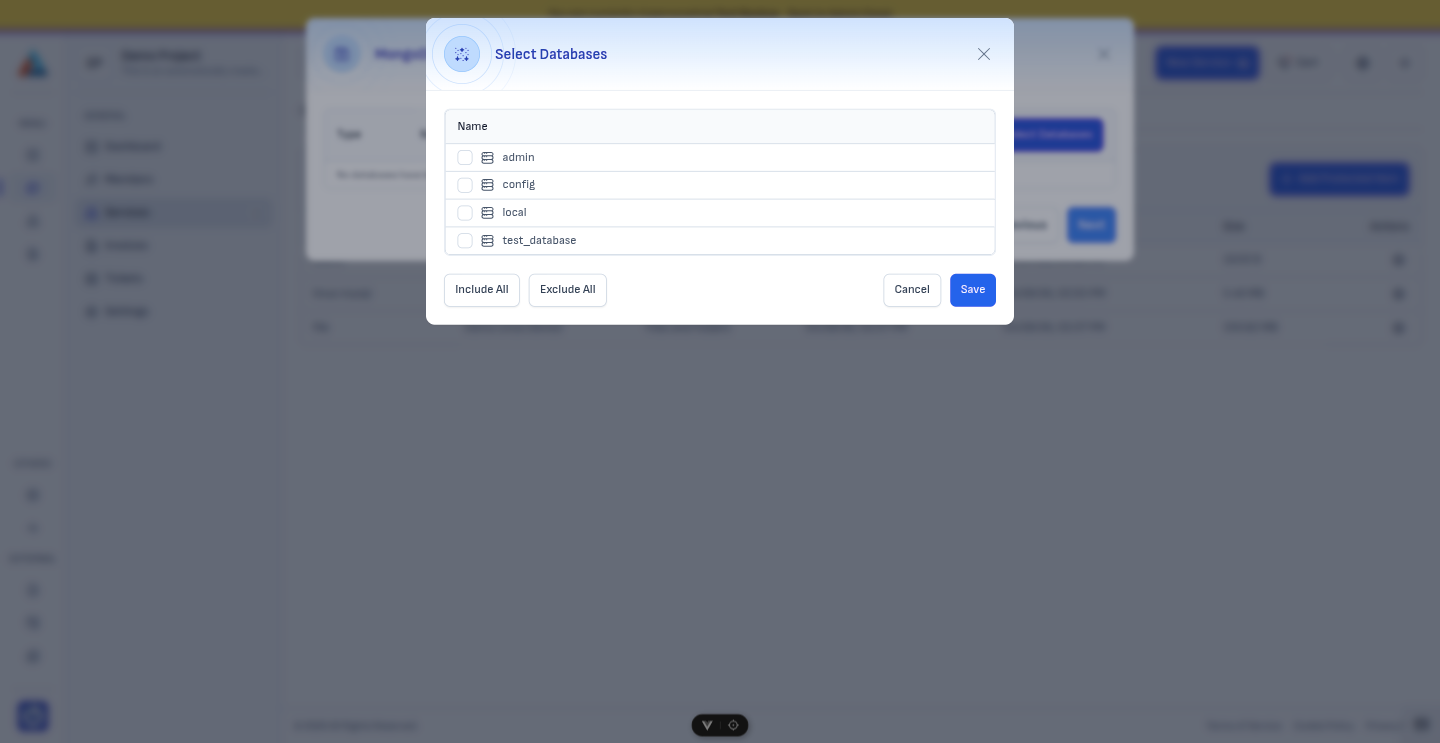
Choose one or more databases to include in this protected item. Only the databases you select are backed up.
Backup user and permissions
The backup agent needs a MongoDB user with permission to read the data you want to protect. The user is defined in the authentication database you configure (commonly admin). If you do not already have a suitable user, create one with the required roles for each database to back up — for example, read on each target database (and any additional roles your security policy requires).
In mongosh, you can create a user similar to the following (adjust usernames, databases, and roles to match your environment):
use admin
db.createUser(
  {
    user: "admin",
    pwd:  passwordPrompt(),   // or cleartext password
    roles: [ { role: "readWrite", db: "admin" },
             { role: "read", db: "test-database" } ]
  }
)
Next step
When you are done, click "Next" to continue to Execution Commands. The rest of the wizard (execution commands, schedule, retention) works the same as for other backup types.