Preferences
The Preferences section (Settings → Preferences) determines which types of email notifications you receive from Delta.BG.
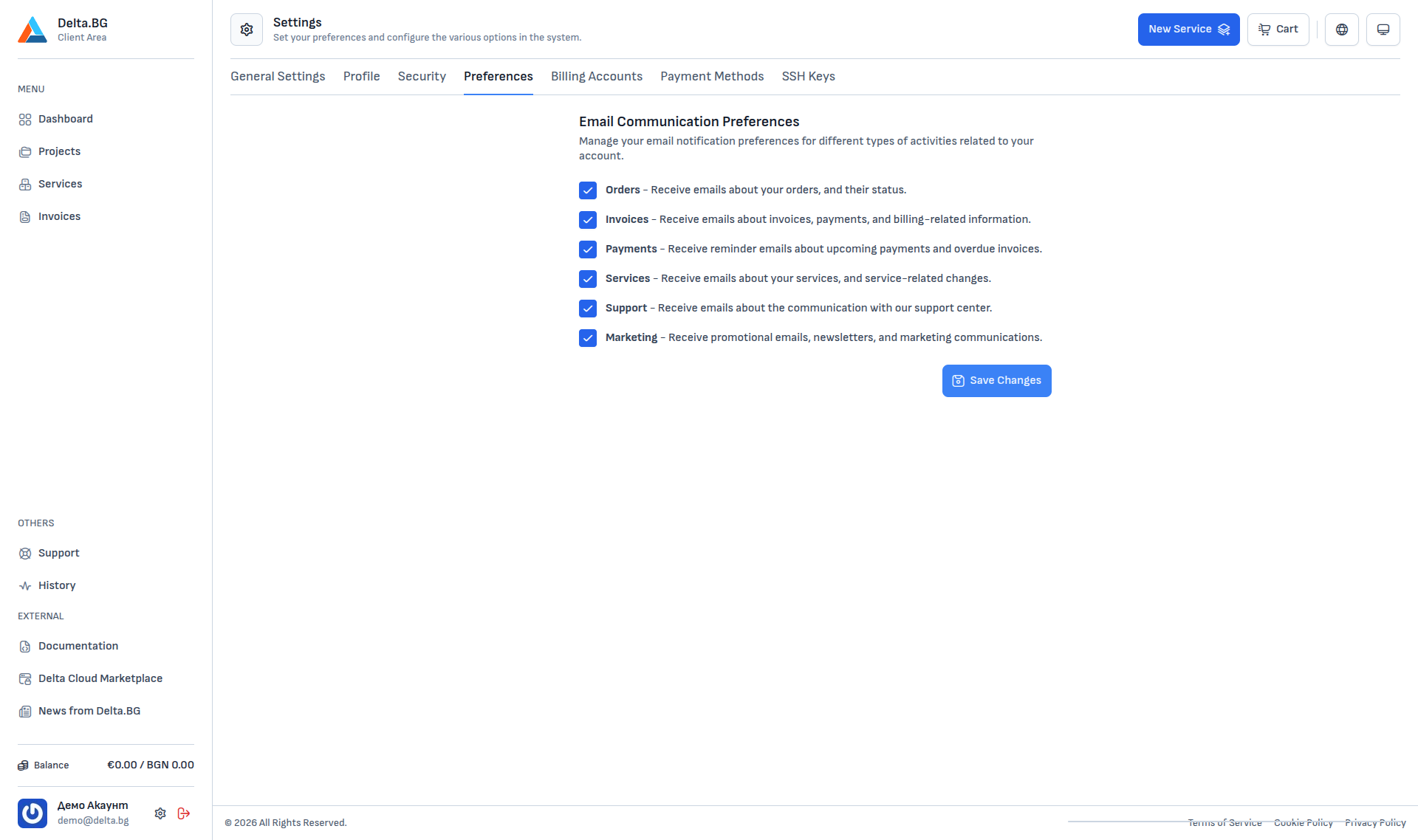
Notification categories
Each of the six categories is independent and can be toggled on or off:
| Category | What is sent |
|---|---|
| Orders | Status updates for your orders — created, paid, activated, expired. |
| Invoices | Notifications about issued invoices, payment information and billing-related data. |
| Payments | Reminders for upcoming payments and notifications about overdue invoices. |
| Services | Emails about changes and events on your active services — renewals, maintenance, automated process notifications. |
| Support | Communication with the support centre — ticket replies and updates. |
| Marketing | Promotional emails, newsletters and marketing campaigns. |
After changing toggles press Save Changes.
Info
Account-security notifications (password change, sign-in from a new device, MFA activation) are always sent regardless of the preferences here.