Introduction to the service
Delta Cloud Backup is a managed backup service that allows you to protect the data on your devices by creating secure, encrypted backups stored in the cloud. Unlike manual backup solutions, Delta Cloud Backup provides automated scheduling, retention policies, and granular restore capabilities — all managed through the Delta.BG client area without the need for additional control panels.
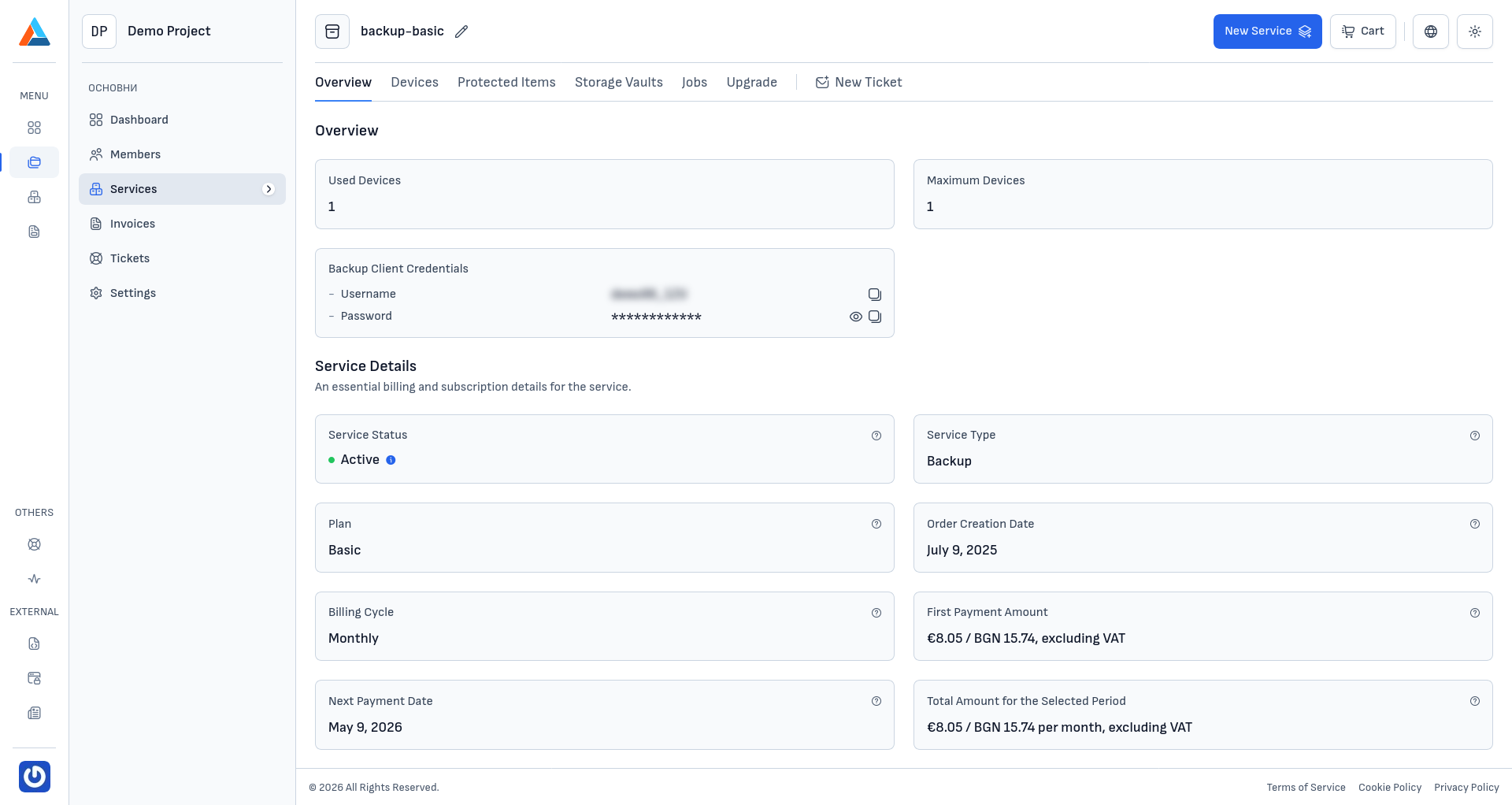
The service supports Windows, Linux, and macOS platforms, providing flexible backup options for files, folders, MySQL databases, and system states. Each device connects to your backup account using a dedicated agent that runs in the background and executes backups according to your configured schedule.
Key Features of Delta Cloud Backup
- Multi-platform support — protect devices running Windows, Linux, and macOS with a single backup account
- Flexible backup sources — back up files, folders, MySQL databases, Windows System State, and more
- Automated scheduling — configure daily, weekly, or monthly backup schedules
- Retention policies — define how long backup snapshots are kept to balance storage usage with recovery coverage
- Granular restore — restore individual files, entire folders, or full system snapshots from any available snapshot
- Real-time monitoring — track backup and restore job history with detailed logs and statistics
Purpose of the Documentation
This documentation is designed to help you understand the Delta Cloud Backup service from Delta.bg. It covers:
- General overview of the service and its capabilities
- Step-by-step instructions for registering devices and installing the backup agent
- Guides for configuring protected items, backup schedules, and retention policies
- Data restore — recovery scenarios by data type (files, MySQL, Windows)
- Job monitoring — tracking backup and restore operations with detailed logs
- Storage vault management — monitoring storage usage and quota
- Service upgrade — adjusting your plan, device count, and storage quota
Who Is This For?
This documentation is intended for:
- System administrators who need to protect servers and workstations with automated cloud backups
- Developers and DevOps engineers who want to back up application data and databases
- Business users looking for a reliable and easy-to-manage backup solution for their devices
- Technical specialists who need detailed information on backup configuration and restore procedures